


總覽
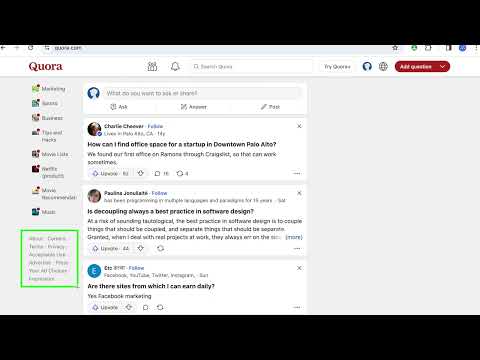
只需單擊即可從任何網站刪除任何元素
With Snip you can remove any element from any website with just one click. So it only shows what you want to see. You choices are saved. So next time when you visit the same page those elements will be gone as well. With Snip you can undo or redo recent changes. You can also review all removed elements and revert any of them. If you login with your Google account, your choices will be synced to all your devices using that same account. Version 2.10 changes: -Add the feature to snip an area of a web page. Version 2.9 changes: -Temporarily remove the login button. Version 2.6 changes: -Fixed that some elements cannot be snipped. Version 2.5 changes: -Fixed some layout issue Version 2.4 changes: -Migration to Manifest V3. Version 2.3 changes: -Handle the case when first using Snip and the rules don't exist. Version 2.2 changes: - Fix the issue that removed elements will appear for a few seconds when reloading the page. Version 2.1 changes: - Improve performance when analyzing the page.
詳細資料
隱私權

這位開發者就你的資料做出下列聲明:
- 除經核准的用途外,不會將你的資料販售給第三方
- 不會基於與商品核心功能無關的目的,使用或轉移資料
- 不會為了確認信用度或基於貸款目的,使用或轉移資料


