


Overview
Snapester helps you turn ordinary screenshots into clean, professional visuals in seconds.
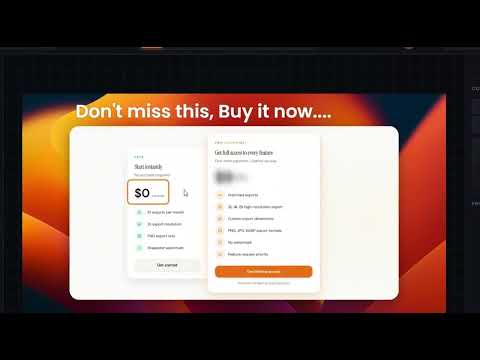
No account required. Install the extension and start creating beautiful screenshots instantly. Capture any browser tab or select a specific region, then enhance it with beautiful backgrounds, annotation layers, and one-click export. What used to take 10 minutes in Figma now takes seconds. Key Features • Capture full tabs, select a region, paste from clipboard, or upload an image • Crop and reframe after capture • Apply premium gradients, wallpapers, and curated backgrounds • Adjust padding, corner radius, shadows, and 3D tilt • Add text, arrows, shapes, blur, and emoji layers directly on the canvas • Export as PNG, JPG, or WebP at up to 3× resolution • Aspect ratios for Instagram, Twitter, Stories, and LinkedIn • Copy finished screenshots directly to clipboard The free plan includes a monthly export limit and watermark. Check out the Pro plan at snapester.com for unlimited exports, no watermark, and full resolution. Perfect for developers, creators, founders, and product teams who want polished screenshots without opening a design tool.
5 out of 55 ratings
Details
- Version1.0.3
- UpdatedApril 20, 2026
- Size149KiB
- LanguagesEnglish
- DeveloperWebsite
Email
shyamthedev@gmail.com - Non-traderThis developer has not identified itself as a trader. For consumers in the European Union, please note that consumer rights do not apply to contracts between you and this developer.
Privacy

Snapester – Screenshots Editor has disclosed the following information regarding the collection and usage of your data. More detailed information can be found in the developer's privacy policy.
Snapester – Screenshots Editor handles the following:
This developer declares that your data is
- Not being sold to third parties, outside of the approved use cases
- Not being used or transferred for purposes that are unrelated to the item's core functionality
- Not being used or transferred to determine creditworthiness or for lending purposes