

SnapCapture

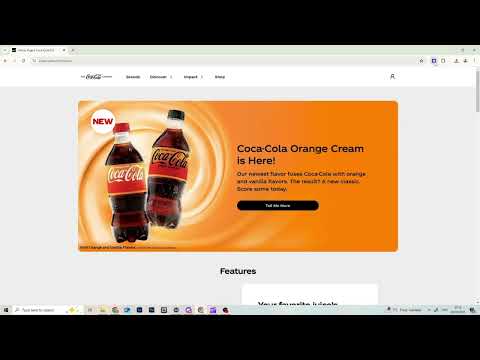
Overview
Captures full-page screenshots with special handling for LinkedIn and fixed headers
Full Page Screenshot – Capture Entire Webpages Instantly Take full-page screenshots effortlessly with this simple and powerful Chrome extension! With just one click, capture an entire webpage from top to bottom, no matter how long it is. 🔹 One-Click Capture – Instantly take a full-page screenshot. 🔹 Easy to Use – No complex settings, just click and save. 🔹 High-Quality Output – Crisp and clear screenshots. 🔹 Fast & Lightweight – Works seamlessly without slowing down your browser. Perfect for saving web content, documentation, or sharing webpages with ease. Download now and start capturing!
0 out of 5No ratings
Details
- Version1.0
- UpdatedFebruary 28, 2025
- Offered bythex studio
- Size14.5KiB
- LanguagesEnglish (United States)
- Developer
Email
snapcapturehelp@gmail.com - Non-traderThis developer has not identified itself as a trader. For consumers in the European Union, please note that consumer rights do not apply to contracts between you and this developer.
Privacy

This developer declares that your data is
- Not being sold to third parties, outside of the approved use cases
- Not being used or transferred for purposes that are unrelated to the item's core functionality
- Not being used or transferred to determine creditworthiness or for lending purposes
Support
For help with questions, suggestions, or problems, visit the developer's support site