

Smartsheet Automation Cloner — by OmniFlow Digital

Overview
Browse, copy, and bulk-deploy Smartsheet automation workflows across sheets. Rewrites column references automatically.
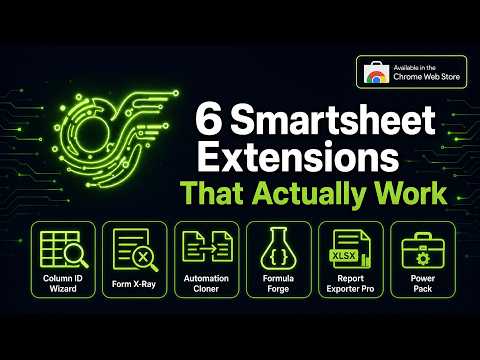
Stop rebuilding the same Smartsheet automations from scratch. The Automation Cloner lets you copy any workflow from a source sheet and deploy it to one or multiple target sheets instantly. Features: - One-Click Copy: Read automations directly from the source sheet. - Bulk Deploy: Push the cloned automation to multiple target sheets at once. - Auto-Remapping: Automatically maps column references if the target sheet has matching column names. - Backup as ZIP: Export your automations as a ZIP file containing JSON and Markdown documentation. Requirements: Requires a Smartsheet Personal Access Token (PAT) to read and write automations via the Smartsheet API. Your PAT is stored securely in your browser.
0 out of 5No ratings
Details
- Version1.8.35
- UpdatedAugust 28, 2026
- Size136KiB
- LanguagesEnglish
- Developer
- Non-traderThis developer has not identified itself as a trader. For consumers in the European Union, please note that consumer rights do not apply to contracts between you and this developer.
Privacy

Smartsheet Automation Cloner — by OmniFlow Digital has disclosed the following information regarding the collection and usage of your data. More detailed information can be found in the developer's privacy policy.
Smartsheet Automation Cloner — by OmniFlow Digital handles the following:
This developer declares that your data is
- Not being sold to third parties, outside of the approved use cases
- Not being used or transferred for purposes that are unrelated to the item's core functionality
- Not being used or transferred to determine creditworthiness or for lending purposes
Support
For help with questions, suggestions, or problems, visit the developer's support site