

slidesync
2 ratings
)
Overview
Share your presentations in real-time with your audience
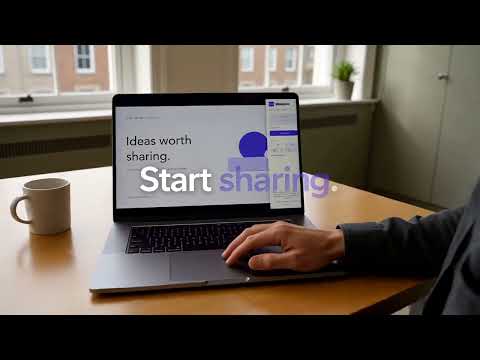
Slidesync — Your presentation. In everyone’s hands. Share your Google Slides presentation live. Your audience can scan a QR code or enter a room code to follow along on their own devices, take notes, and export annotated slides as a PDF. HOW IT WORKS 1. Install Slidesync and open a Google Slides presentation. 2. Open the Slidesync panel and start a session. 3. Share the QR code or the six-digit room code. 4. Present while your audience follows along in their browser. FEATURES • Live slide sharing across phones, tablets, and computers. • Optional QR code overlay so people can join during your presentation. • Audience annotation tools and PDF export. • No account required to join. • Support for Reveal.js presentations hosted through slidesync.live. • Free and open source. Watch Slidesync in action: https://www.youtube.com/watch?v=U_ktfSlkMhU Get started: https://slidesync.live Privacy policy: https://slidesync.live/privacy/ Created by Thiago Avila · Avila Ventures https://avila.ventures
5 out of 52 ratings
Details
- Version2.7.1
- UpdatedSeptember 22, 2026
- Offered bythiavila
- Size339KiB
- Languages8 languages
- Developer
Email
thiagodeavilag@gmail.com - Non-traderThis developer has not identified itself as a trader. For consumers in the European Union, please note that consumer rights do not apply to contracts between you and this developer.
Privacy

This developer declares that your data is
- Not being sold to third parties, outside of the approved use cases
- Not being used or transferred for purposes that are unrelated to the item's core functionality
- Not being used or transferred to determine creditworthiness or for lending purposes