

Slatify - YouTube Notes & Screenshot Note Taking
1 rating
)
Overview
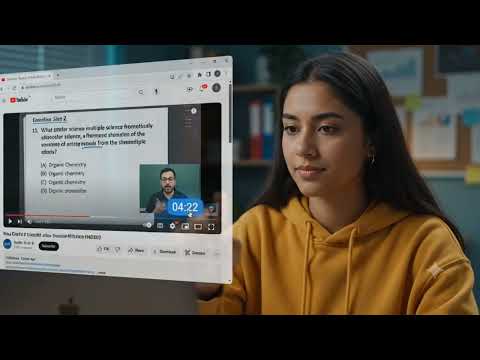
Take timestamped YouTube lecture notes with screenshots, drawings, and PDF export.
Slatify helps students and learners take rich notes while watching YouTube lectures. Capture video screenshots, draw directly on the lecture, highlight important parts, add text notes, organize saved notes in a dashboard, and export notes as PDFs with timestamp links back to the original YouTube video. Features: - YouTube lecture screenshot notes - Pen, highlighter, eraser, and undo tools - Blank canvas mode with video playback - Text notes shown below screenshots - Dashboard for reviewing notes - PDF export with clickable YouTube timestamps - Local Chrome storage support
5 out of 51 rating
Details
- Version1.0.4
- UpdatedJune 24, 2026
- Offered bypranjlmaurya
- Size2.86MiB
- LanguagesEnglish
- Developer
Email
pranjlmaurya@gmail.com - Non-traderThis developer has not identified itself as a trader. For consumers in the European Union, please note that consumer rights do not apply to contracts between you and this developer.
Privacy

Slatify - YouTube Notes & Screenshot Note Taking has disclosed the following information regarding the collection and usage of your data. More detailed information can be found in the developer's privacy policy.
Slatify - YouTube Notes & Screenshot Note Taking handles the following:
This developer declares that your data is
- Not being sold to third parties, outside of the approved use cases
- Not being used or transferred for purposes that are unrelated to the item's core functionality
- Not being used or transferred to determine creditworthiness or for lending purposes