


概述
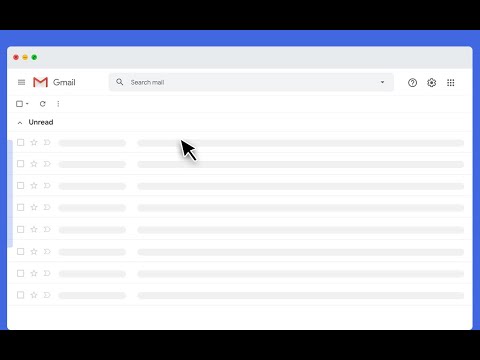
简化Gmail屏幕,使侧边栏和顶部栏自动隐藏。
This extension simply hides the top menu bar and left sidebar of Gmail. The hidden menus could then be re-activated via moving your mouse cursor to the edge of screen. Website: https://www.bart.com.hk/simple-gmail-screen/ Open sourced under GPL v3: https://github.com/bartsolutions/simple-gmail-screen == update 2021-01-22 (v0.6.2) == - Adjust UI to avoid accidental click of multiple select check box == update 2021-01-15 (v0.6.1) == - Fix problem of compose button location due to Gmail UI change == update 2020-11-23 (v0.5.1) == - fix problem for side bar menu collapse == update 2020-10-19 (v0.4.0) == - update preferences == update 2020-10-13 (v0.3.0) == - hide top bar logo part
4.7 星(5 星制)12 个评分
详情
隐私权

管理扩展程序并了解它们在组织中的使用情况
该开发者已披露,此产品不会收集或使用您的数据。 如需了解详情,请参阅开发者的privacy policy。
该开发者已声明,您的数据:
- 不会因未获批准的用途出售给第三方
- 不会为实现与产品核心功能无关的目的而使用或转移
- 不会为确定信用度或放贷目的而使用或转移
支持
若有任何疑问、建议或问题,请访问开发者的支持网站