

Shortcuts for Chrome Tab Pin & Duplicate

Overview
Keyboard shortcuts for pinning and duplicating tabs in Chrome
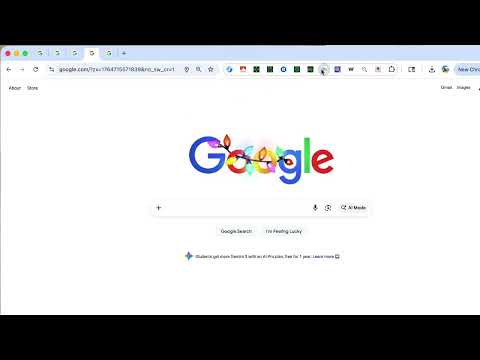
Shortcuts for Chrome Tab Pin & Duplicate Manage your browser tabs efficiently with keyboard shortcuts. 🎯 Features: - Pin/Unpin current tab with a single shortcut - Pin/Unpin all tabs in the current window at once - Duplicate the current tab instantly - View and customize your shortcuts via the popup interface 💡 How to Use: 1. Install the extension and pin it to your toolbar 2. Click the extension icon to view your current keyboard shortcuts 3. Use the default shortcuts or customize them via chrome://extensions/shortcuts ⌨️ Default Shortcuts (Mac): - Ctrl+P: Toggle pin for the current tab - Ctrl+Shift+P: Toggle pin for all tabs in current window - Ctrl+D: Duplicate the current tab 🔒 Privacy First: - No data collection - No external server communication - All operations run locally in your browser - Open source and transparent 📖 Why Use This Extension? If you frequently work with many tabs, pinning important tabs keeps them always visible on the left side of your tab bar. This extension lets you pin/unpin tabs instantly without right-clicking, saving you time and keeping your workflow smooth. Open source: https://github.com/gakkunn/Ex-Chrome-pin-dup
0 out of 5No ratings
Details
- Version1.1.0
- UpdatedDecember 20, 2025
- Offered byyoshi
- Size338KiB
- Languages10 languages
- Developer
Email
yoshi.apps.contact@gmail.com - Non-traderThis developer has not identified itself as a trader. For consumers in the European Union, please note that consumer rights do not apply to contracts between you and this developer.
Privacy

This developer declares that your data is
- Not being sold to third parties, outside of the approved use cases
- Not being used or transferred for purposes that are unrelated to the item's core functionality
- Not being used or transferred to determine creditworthiness or for lending purposes