


總覽
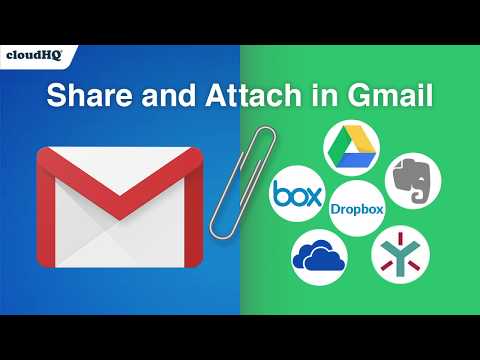
Attach and share files effortlessly from OneDrive, Dropbox, Box, Google Drive, Evernote and many more.
When you're in Gmail, wouldn't you love a button that you could just click to attach any of your cloud files to your email? Well, with Share and Attach Files in Gmail, you can! You can attach any of your cloud files too, like: Google Drive, Salesforce, Microsoft Excel, Dropbox files. You name it- we give you access with 1 little button right from your Gmail. This handy tool: ✅ Saves you time from searching through numerous cloud platforms ✅ Keeps everything in the cloud (great for Chromebook users) ✅ Keeps your files off your hard drive so that you can have a faster computer. 💻 Try it today! Website: https://cloudhq.net/chrome_extensions Pricing: FREE Support page: https://support.cloudhq.net/ Blog: https://blog.cloudhq.net cloudHQ. Helping your productivity, 1 click at a time. Gmail, Google Shared Drive, Google Drive, and Google Workspace are trademarks of Google LLC. Use of these trademarks is subject to Google Permissions. cloudHQ is trademark of CloudHQ LLC. https://www.cloudhq.net/trademark
4.8 分 (滿分 5 分)70 個評分
詳細資料
隱私權

「Share and attach files in Gmail™ by cloudHQ」已揭露下列關於收集及使用資料的資訊。 如需更多詳細資訊,請參閱開發人員的《privacy policy》。
Share and attach files in Gmail™ by cloudHQ 會處理下列資料:
這位開發者就你的資料做出下列聲明:
- 除經核准的用途外,不會將你的資料販售給第三方
- 不會基於與商品核心功能無關的目的,使用或轉移資料
- 不會為了確認信用度或基於貸款目的,使用或轉移資料
支援
如有疑問或建議,請前往開發人員的支援網站