

ShapeClip
1 rating
)
Overview
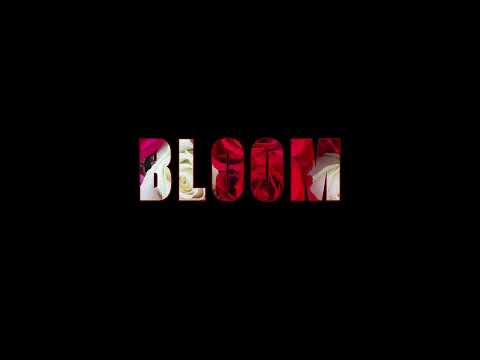
Text masks in 30 seconds. Capture any webpage, shape it as text, export a clean PNG.
ShapeClip turns any webpage into bold text-art graphics in 30 seconds. Capture any visible page or open an image from your computer. Type a word — your capture instantly fills the letters of that word. Add a drop shadow, a border, or a transparent background. Export a clean PNG that drops straight into Canva, Slack, Notion, or anywhere you ship. WHAT YOU CAN DO - Capture any webpage (visible area or full-page scroll) - Or open your own image (PNG, JPG, WebP) from your computer - Mask into 200,000+ shapes or any word you type - Stack text vertically or curve it - Add drop shadow, border, color, or transparent background - Export clean PNGs (auto-cropped to content) PRIVACY Everything runs locally in your browser. Your screenshots never leave your device. No tracking, no data collection. ShapeClip is built by Imercor Products LLC.
5 out of 51 rating
Details
- Version1.0.7
- UpdatedMay 6, 2026
- Offered byImercor Products
- Size2.25MiB
- LanguagesEnglish (United States)
- DeveloperImercor Products LLC
6255 Beechtree Drive 5205 West Des Moines, IA 50266 USEmail
imercorproducts@gmail.comPhone
+1 515-991-2713 - TraderThis developer has identified itself as a trader per the definition from the European Union and committed to only offer products or services that comply with EU laws.
Privacy

ShapeClip has disclosed the following information regarding the collection and usage of your data. More detailed information can be found in the developer's privacy policy.
ShapeClip handles the following:
This developer declares that your data is
- Not being sold to third parties, outside of the approved use cases
- Not being used or transferred for purposes that are unrelated to the item's core functionality
- Not being used or transferred to determine creditworthiness or for lending purposes
Support
For help with questions, suggestions, or problems, please open this page on your desktop browser