

Server Manager

Overview
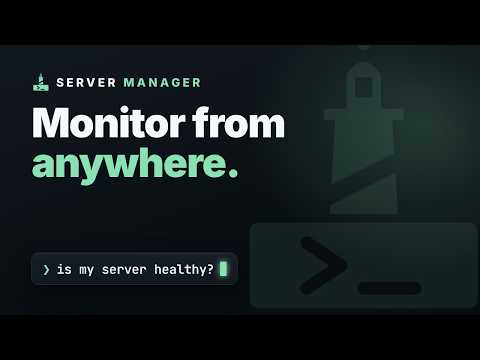
Live server metrics + what needs updating, at a glance. Fix it in Server Manager.
Server Manager puts your servers' health right in your browser toolbar — even when the app is closed. Connect the extension to your free Server Manager account, turn on monitoring for a server, and the toolbar keeps you posted: • Live metrics — load, memory and disk for each server, refreshed in the background. • Pending updates — know when a server has package or security updates waiting. • "Site not responding" alerts — get notified when a monitored site goes down. • One click to fix — every alert links straight into Server Manager, pre-aimed at the right server. ** How it works ** The extension talks only to your own Server Manager account (servermanager.dev). Monitoring uses a small read-only agent on your server that reports status over HTTPS — it can't change anything and stores no SSH keys. You stay in control: turn monitoring off per server, or revoke the extension from your account, any time. [https://www.youtube.com/watch?v=-w0xMsvg0yE] Requires a free Server Manager account (www.servermanager.dev). Monitoring is free.
0 out of 5No ratings
Details
- Version0.1.3
- UpdatedJuly 27, 2026
- Offered byigor.cardines
- Size22.43KiB
- Languages6 languages
- DeveloperIGOR CARDINES
Corso Campano, 117 1 Venafro, IS 86079 ITEmail
igor.cardines@gmail.comPhone
+39 328 841 3653 - TraderThis developer has identified itself as a trader per the definition from the European Union and committed to only offer products or services that comply with EU laws.
Privacy

Server Manager has disclosed the following information regarding the collection and usage of your data. More detailed information can be found in the developer's privacy policy.
Server Manager handles the following:
This developer declares that your data is
- Not being sold to third parties, outside of the approved use cases
- Not being used or transferred for purposes that are unrelated to the item's core functionality
- Not being used or transferred to determine creditworthiness or for lending purposes
Support
For help with questions, suggestions, or problems, visit the developer's support site