

選取文字單詞計數器

總覽
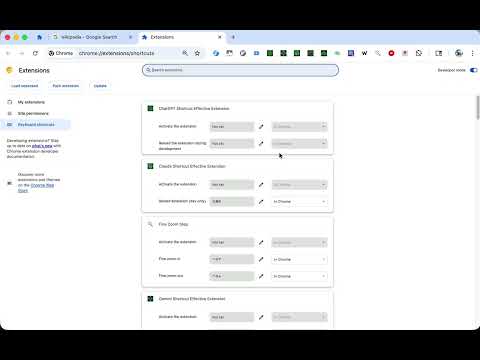
使用快捷鍵(Alt+Shift+W)快速統計選取文字的英文單詞數量。您可以在設定中自訂快捷鍵。
📝 Word Counter - Instant Word Count for Selected Text Select any text on a webpage and press Alt+Shift+W to instantly count English words. A small notification appears at the bottom right of the page showing the word count. 🚀 Features: - Count words in selected text with a single keyboard shortcut - Default shortcut: Alt+Shift+W (fully customizable) - Lightweight notification that auto-dismisses after 3 seconds - Works on any HTTP/HTTPS webpage - Zero data collection - all processing happens locally in your browser 📋 How to Use: 1. Highlight the text you want to count on any webpage 2. Press Alt+Shift+W (or your custom shortcut) 3. See the word count in a popup notification ⚙️ Customize Your Shortcut: 1. Click the extension icon 2. Click "Open Shortcuts Settings" 3. Set your preferred key combination 🔒 Privacy First: This extension processes text entirely in your browser. No data is sent to external servers, no analytics are collected, and no personal information is stored. Perfect for writers, students, editors, and anyone who needs quick word counts while browsing. Open source: https://github.com/gakkunn/Ex-Chrome-word-counter
0 分 (滿分 5 分)無評分
詳細資料
- 版本1.1.0
- 已更新2025年12月20日
- 提供者yoshi
- 大小517KiB
- 語言10 種語言
- 開發人員
電子郵件
yoshi.apps.contact@gmail.com - 非交易商這位開發人員並未表明自己是交易商。歐盟地區的消費者請注意,消費者權利不適用於你和這位開發人員之間簽訂的合約。
隱私權

這位開發者就你的資料做出下列聲明:
- 除經核准的用途外,不會將你的資料販售給第三方
- 不會基於與商品核心功能無關的目的,使用或轉移資料
- 不會為了確認信用度或基於貸款目的,使用或轉移資料