

选中文本单词计数器

概述
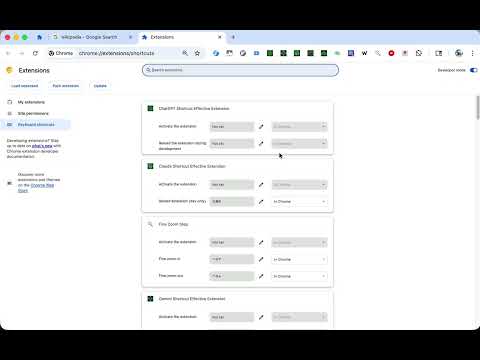
使用快捷键(Alt+Shift+W)快速统计选中文本的英文单词数量。您可以在设置中自定义快捷键。
📝 Word Counter - Instant Word Count for Selected Text Select any text on a webpage and press Alt+Shift+W to instantly count English words. A small notification appears at the bottom right of the page showing the word count. 🚀 Features: - Count words in selected text with a single keyboard shortcut - Default shortcut: Alt+Shift+W (fully customizable) - Lightweight notification that auto-dismisses after 3 seconds - Works on any HTTP/HTTPS webpage - Zero data collection - all processing happens locally in your browser 📋 How to Use: 1. Highlight the text you want to count on any webpage 2. Press Alt+Shift+W (or your custom shortcut) 3. See the word count in a popup notification ⚙️ Customize Your Shortcut: 1. Click the extension icon 2. Click "Open Shortcuts Settings" 3. Set your preferred key combination 🔒 Privacy First: This extension processes text entirely in your browser. No data is sent to external servers, no analytics are collected, and no personal information is stored. Perfect for writers, students, editors, and anyone who needs quick word counts while browsing. Open source: https://github.com/gakkunn/Ex-Chrome-word-counter
0 星(5 星制)无评分
详情
- 版本1.1.0
- 上次更新日期2025年12月20日
- 提供方yoshi
- 大小517KiB
- 语言10 种语言
- 开发者
邮箱
yoshi.apps.contact@gmail.com - 非交易者该开发者尚未将自己标识为交易者。欧盟地区消费者须知:消费者权利可能不适用于您与该开发者达成的合约。
隐私权

该开发者已声明,您的数据:
- 不会因未获批准的用途出售给第三方
- 不会为实现与产品核心功能无关的目的而使用或转移
- 不会为确定信用度或放贷目的而使用或转移