

選択テキスト単語カウンター

概要
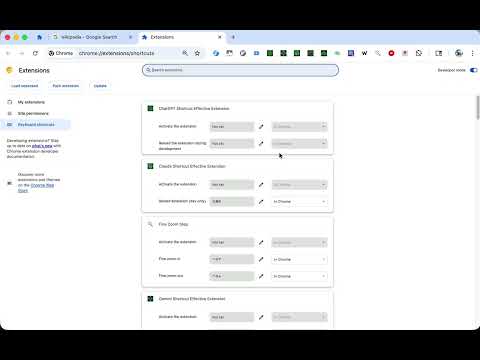
選択したテキストの英単語数を、ショートカットキー(Alt+Shift+W)で簡単にカウントできます。ショートカットは設定から変更可能です。
📝 Word Counter - Instant Word Count for Selected Text Select any text on a webpage and press Alt+Shift+W to instantly count English words. A small notification appears at the bottom right of the page showing the word count. 🚀 Features: - Count words in selected text with a single keyboard shortcut - Default shortcut: Alt+Shift+W (fully customizable) - Lightweight notification that auto-dismisses after 3 seconds - Works on any HTTP/HTTPS webpage - Zero data collection - all processing happens locally in your browser 📋 How to Use: 1. Highlight the text you want to count on any webpage 2. Press Alt+Shift+W (or your custom shortcut) 3. See the word count in a popup notification ⚙️ Customize Your Shortcut: 1. Click the extension icon 2. Click "Open Shortcuts Settings" 3. Set your preferred key combination 🔒 Privacy First: This extension processes text entirely in your browser. No data is sent to external servers, no analytics are collected, and no personal information is stored. Perfect for writers, students, editors, and anyone who needs quick word counts while browsing. Open source: https://github.com/gakkunn/Ex-Chrome-word-counter
5 点満点で 0評価なし
詳細
- バージョン1.1.0
- 更新:2025年12月20日
- 提供元yoshi
- サイズ517KiB
- 言語10 言語
- デベロッパー
メール
yoshi.apps.contact@gmail.com - 非取引業者このデベロッパーは取引業者として申告していません。EU 加盟国の消費者とこのデベロッパーとの間に締結された契約には、消費者の権利が適用されません。
プライバシー

このデベロッパーは、お客様のデータについて以下を宣言しています
- 承認されている以外の用途で第三者に販売しないこと
- アイテムの中心機能と関係のない目的で使用または転送しないこと
- 信用力を判断する目的または融資目的で使用または転送しないこと