


Overview
Stop Google Calendar from jumping when you scroll.
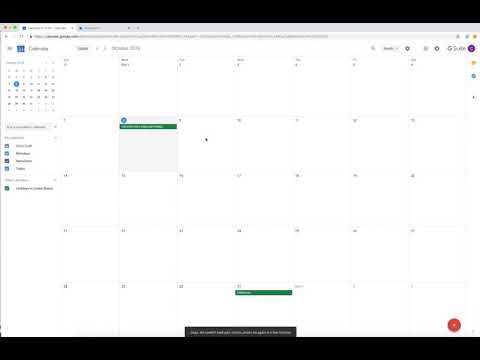
Accidental scrolling in Google Calendar can cause unwanted date jumps and disrupt your workflow. Google Calendar Scroll Lock prevents unintended scroll actions so your calendar stays exactly where you expect it. Features • Block accidental scrolling in Google Calendar • Prevent unintentional jumps to other days, weeks, or months • Reduce frustration during scheduling and daily planning • Lightweight, automatic, and simple • Only affects Google Calendar, leaving normal scrolling untouched Keep your calendar steady with Google Calendar Scroll Lock.
4 out of 52 ratings
Details
- Version0.4
- UpdatedDecember 11, 2025
- Size24.92KiB
- LanguagesEnglish
- DeveloperIncreased InfluenceWebsite
7001 Saint Andrews Road Columbia, SC 29212 USEmail
chris@christophercraft.com - Non-traderThis developer has not identified itself as a trader. For consumers in the European Union, please note that consumer rights do not apply to contracts between you and this developer.
Privacy
The developer has disclosed that it will not collect or use your data.
This developer declares that your data is
- Not being sold to third parties, outside of the approved use cases
- Not being used or transferred for purposes that are unrelated to the item's core functionality
- Not being used or transferred to determine creditworthiness or for lending purposes
Support
For help with questions, suggestions, or problems, please open this page on your desktop browser