

Översikt
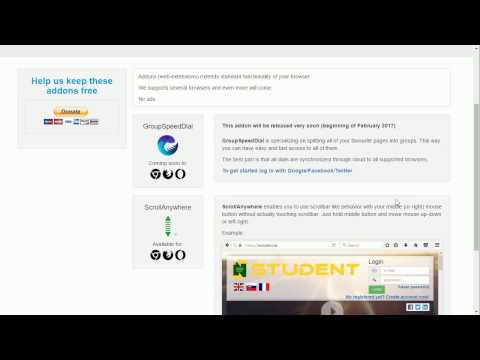
Dra rullningslisten med din mittmusknapp var som helst på sidan. Stöder även "ta och dra" och rörelsemängd.
Scroll Anywhere enables you to drag scrollbar with your middle / right / left mouse button without touching a scrollbar. Just hold the middle button and move mouse up-down or left-right. You can also change the behavior to simple "grab and drag" style. Supports also Momentum - ability to throw the page (like on your phone) - including infinite scrolling option. Now with the option to change the cursor while scrolling! Video preview (0:12) here: https://youtu.be/VLv_wAfVO9A Homepage: www.FastAddons.com Increase your productivity and save time! Warning: very addictive! :) Known issues: - does not work on https://chrome.google.com/webstore/ (blocked by Chrome) - does not work on browser specific pages like "chrome://extensions" (blocked by Chrome) - does not work on other extensions pages like options page of some addon (blocked by Chrome) - in Linux right click (context menu) cannot be canceled so only middle button is working correctly Note: I'm developing this add-on in my free time for you for free. Please consider supporting my work by donation: https://www.patreon.com/fastaddons Or by donation: https://paypal.me/fastaddons Thank you :)
4,8 av 5160 betyg
Information
- Version9.1
- Uppdaterat25 april 2022
- Storlek409KiB
- Språk51 språk
- UtvecklareWebbplats
E-post
admin@FastAddons.com - Icke-näringsidkareUtvecklaren har inte angett att den är näringsidkare. Konsumenter i EU bör tänka på att konsumenträttigheter inte gäller för avtal mellan dig och denna utvecklare.
Integritet

Denna utvecklare försäkrar att din data
- inte säljs till tredje part, förutom i godkända användningsfall
- inte används eller överförs för ändamål som inte är relaterade till objektets huvudfunktioner
- inte används eller överförs i syfte att bedöma kreditvärdighet eller för lån.
Support
Om du behöver hjälp med frågor, förslag eller problem kan du öppna den här sidan i webbläsaren på datorn