

Scroll Wheel Tab Switcher
2 ratings
)
Overview
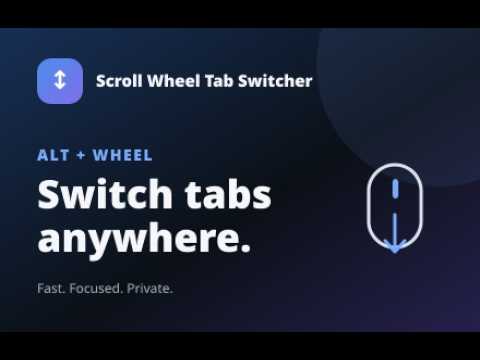
Switch tabs with Alt + mouse wheel anywhere on the page. Fast, private, mouse-first tab control.
Chrome no longer scrolls the tab strip. Hold Alt and use the mouse wheel anywhere on the page to switch, instead of clicking through a crowded bar or aiming at a thin strip. Features: - Switch with Alt + mouse wheel from anywhere on the page - Change the modifier to Ctrl or Window Key, and optionally require Shift - Remap each mouse button under the modifier: new tab, most recent, close current tab, drag, duplicate, go forward, go back, unmute / mute, open settings, reload tab, pin / un-pin tabs or off - Trackpad slowly becoming natively supported - Restore your exact page scroll position when you return - Wheel feel presets (Precise, Balanced, Fast) - Optional skip for pinned or collapsed tabs - Works immediately on already-open tabs after install or update - Fully local and private: no telemetry, tracking, analytics, or remote code Works on normal web pages. Protected pages such as Chrome settings and PDFs cannot receive page gestures. The toolbar popup still offers Previous and Next.
5 out of 52 ratings
Details
- Version4.5.0
- UpdatedOctober 13, 2026
- Offered byreklai
- Size106KiB
- LanguagesEnglish (United States)
- Developer
Email
reklai.dev@gmail.com - Non-traderThis developer has not identified itself as a trader. For consumers in the European Union, please note that consumer rights do not apply to contracts between you and this developer.
Privacy

Scroll Wheel Tab Switcher has disclosed the following information regarding the collection and usage of your data. More detailed information can be found in the developer's privacy policy.
Scroll Wheel Tab Switcher handles the following:
This developer declares that your data is
- Not being sold to third parties, outside of the approved use cases
- Not being used or transferred for purposes that are unrelated to the item's core functionality
- Not being used or transferred to determine creditworthiness or for lending purposes
Support
For help with questions, suggestions, or problems, please open this page on your desktop browser