

Schedule to Calendar Converter

Overview
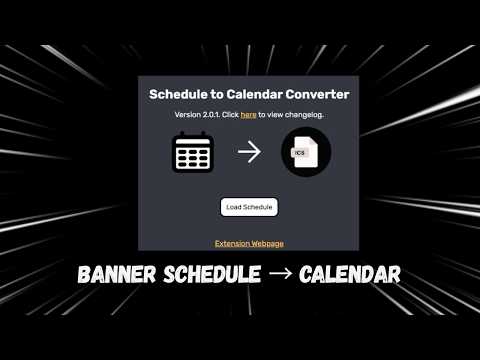
Converts schedule on Banner to .ics file, allowing users to directly add classes on their device calendar
DISCLAIMER: This extension only works on Banner. Import your schedule from Banner and convert it into an .ICS file that allows you to quickly import your classes into your calendar of choice (including Apple, Google, and Outlook)! You must be on the "View Registration Page" for this extension to work. You may customize the .ICS file by: - Editing the display name of a class - Editing per-class settings - Excluding classes during export - and Ex-/Including waitlisted courses Also, if you have previously exported an .ICS file, you can import them into the extension (this only works for files created in version 2.0.0 or later) No more wasting time typing recurring courses into your calendar! Schedule to Calendar Converter comes to the rescue. Having issues? Want to provide feedback? Want to add your school's banner link to the school search? Visit the Help & Feedback hub: https://forms.gle/FV54aHLFmzFs9Dqm6 If you are looking to receive support, you may create a ticket on this page, create an issue on GitHub, or submit a ticket through the Help & Feedback hub linked above.
0 out of 5No ratings
Details
- Version2.0.2
- UpdatedJuly 22, 2026
- Offered bySir Jal
- Size426KiB
- LanguagesEnglish (United States)
- Developer
Email
jalen.smallwood9124@gmail.com - Non-traderThis developer has not identified itself as a trader. For consumers in the European Union, please note that consumer rights do not apply to contracts between you and this developer.
Privacy

This developer declares that your data is
- Not being sold to third parties, outside of the approved use cases
- Not being used or transferred for purposes that are unrelated to the item's core functionality
- Not being used or transferred to determine creditworthiness or for lending purposes
Support
For help with questions, suggestions, or problems, please open this page on your desktop browser