

Save YouTube Transcript as a formated text

Overview
Save YouTube Transcript as a formated text file
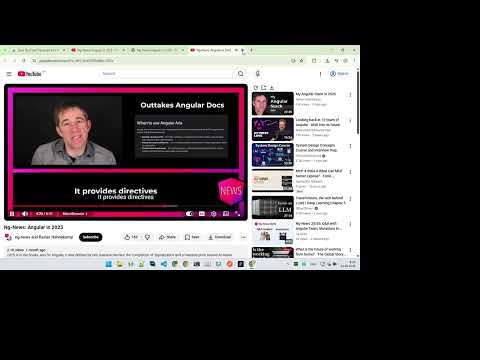
This is a YouTube extension that was originally created for exporting subtitles to a text file, but over time its functionality has changed somewhat. Now it's an extension with several features that I sometimes use. ## Functionality - Add the load transcription button (you have to load transcript before work with it) - Open the transcript into a new tab to read it more conveniently - Save YouTube Transcript as a formated text file (md file, you can use any text editor, or Visual Studio Code) - Add a button to double YouTube speed - Add a button to copy the cleared url to clipboard (without the time and playlist) ## Limitations - Then you push the button to double YouTube speed it runs the autoreset function to prevent changing speed from other events. To turn it off, you need to reload the page. Or set another speed. - If the page has more than one video player (picture in picture), then only the first one will be affected with changing speed. ## ChangeLog 2026-05-09 v 5.0.0 Changed how to show buttons; it's always visible now before the title in the description. Added tooltips to the buttons. Added the "copy to clipboard cleared current url" button. (without list information) Added alert for empty transcript. Source: https://github.com/andrew2020wit/youtube-transcript-to-text
0 out of 5No ratings
Details
- Version7.0.0
- UpdatedSeptember 7, 2026
- Offered byAndrew Faurash
- Size14.1KiB
- LanguagesEnglish
- Developer
Email
andrew2020wit@gmail.com - Non-traderThis developer has not identified itself as a trader. For consumers in the European Union, please note that consumer rights do not apply to contracts between you and this developer.
Privacy

This developer declares that your data is
- Not being sold to third parties, outside of the approved use cases
- Not being used or transferred for purposes that are unrelated to the item's core functionality
- Not being used or transferred to determine creditworthiness or for lending purposes