


Overview
Collect images and inspiration in your own Frameleaf library.
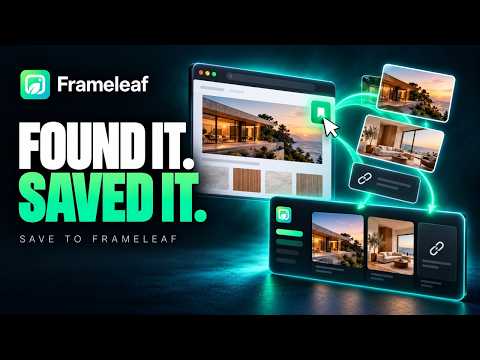
Save to Frameleaf: your inspiration, in your own library See something worth keeping? Save it to Frameleaf in two clicks. Images, pages and screenshots go straight into Boards, the free designer workspace in your own Frameleaf library. Not someone else's cloud. Built for designers, makers and anyone who collects references: mood boards, brand refreshes, renovation ideas, product research. WHAT YOU CAN SAVE • Images from any page. Every image shows up as a preview straight away. Pick the ones you want, or select all, and filter by size and format. • Whole pages as links, with their title and picture, so your board shows more than a bare address. • Screenshots: what you can see, an area you select, or the whole page from top to bottom. • Right-click anything and choose "Save to Frameleaf". ORGANISED AS YOU SAVE • Choose a collection, or make a new one, without leaving the page. • Add tags and a note while it's fresh in your mind. • Your last collection is remembered, so the next save is one click. • Each item keeps where it came from, so you can always find the original. IT JUST KEEPS GOING Saving carries on in the background, even if you close the tab or the browser. If your server is offline, it waits and finishes when it's back. Nothing is lost. SIGN IN, NO SETUP Choose your Frameleaf server, sign in with your Frameleaf account and allow access once. There's no key to copy or paste. You can sign out, or remove the extension's access from Frameleaf, at any time. PRIVATE BY DESIGN • What you save goes only to your own Frameleaf server, at home or on Frameleaf Cloud. • No analytics, no ads, no third-party services. • The extension only reads a page when you choose to save from it. WHAT YOU NEED A Frameleaf server of your own, running at home or with Frameleaf Cloud. Boards is free with every Frameleaf library. Learn more at https://frameleaf.app
0 out of 5No ratings
Details
- Version1.0.0
- UpdatedNovember 2, 2026
- Size215KiB
- LanguagesEnglish (United States)
- DeveloperWebsite
Email
support@frameleaf.app - Non-traderThis developer has not identified itself as a trader. For consumers in the European Union, please note that consumer rights do not apply to contracts between you and this developer.
Privacy

Save to Frameleaf has disclosed the following information regarding the collection and usage of your data. More detailed information can be found in the developer's privacy policy.
Save to Frameleaf handles the following:
This developer declares that your data is
- Not being sold to third parties, outside of the approved use cases
- Not being used or transferred for purposes that are unrelated to the item's core functionality
- Not being used or transferred to determine creditworthiness or for lending purposes
Support
For help with questions, suggestions, or problems, visit the developer's support site