


概述
Save content directly to ClickUp tasks
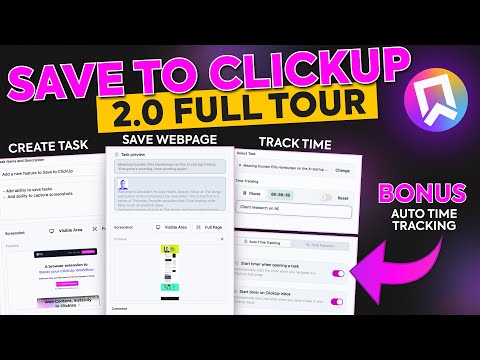
✨ Save to ClickUp: Your Ultimate Productivity Companion ✨ Instantly save webpage content, create tasks, and track time in ClickUp without leaving your current tab. Now with ClickUp Boosters to supercharge your ClickUp experience with automated time tracking and a decluttered UI. ════════════════════════════════════════ 📎 WHAT IT DOES ➤ Save Web Content → Instantly save any webpage, article, or code snippet to a ClickUp task. ➤ Organize on the Fly → Organize saved content directly into your ClickUp workspaces and lists. ➤ Add Context → Add custom notes, descriptions, and even full-page screenshots to your tasks. ➤ Track Time Anywhere → Start and stop time trackers for your tasks from any tab. ➤ Enhance ClickUp → Use ClickUp Boosters to automate time tracking and customize the ClickUp interface. ════════════════════════════════════════ 🎯 PERFECT FOR ➤ Project Managers → Collecting research and planning tasks. ➤ Content Teams → Gathering inspiration and references. ➤ Developers → Saving code snippets and technical articles. ➤ Anyone → Who wants a faster, more streamlined way to get information into ClickUp. ════════════════════════════════════════ 🚀 GETTING STARTED 1. Install the extension from the Chrome Web Store. 2. Connect your ClickUp account in two clicks. 3. Start saving web content and boosting your ClickUp workflow! ════════════════════════════════════════ 💡 KEY BENEFITS ➤ Save Time → Quickly capture web content and tasks without context switching. ➤ Stay Organized → Keep all your research and ideas neatly filed in ClickUp. ➤ Streamline Your Workflow → Automate time tracking and reduce manual clicks. ➤ Improve Focus → Declutter the ClickUp UI to concentrate on what matters most. ➤ Collaborate Better → Share rich, contextual tasks with your team. ════════════════════════════════════════ 🌐 WANNA KNOW MORE? Visit our website ► www.savetoclickup.com
4.1 星(5 星制)9 个评分
详情
隐私权

该开发者已声明,您的数据:
- 不会因未获批准的用途出售给第三方
- 不会为实现与产品核心功能无关的目的而使用或转移
- 不会为确定信用度或放贷目的而使用或转移
支持
若有任何疑问、建议或问题,请访问开发者的支持网站