


Genel bakış
Edit and save active tab or selected area in MHTL/MHT (MIME HTML) archive format to have a clean single-file backup
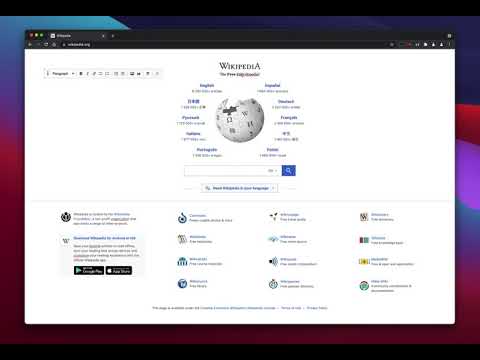
This extension offers a toolbar button to save the current page in the MHTML/MHT web archive format, which converts all online links to the offline version and saves all online resources offline enabled. Right-click Context Menu Functions: 1. Design Mode: You can edit the current page and add or remove images. 2. Reader View (declutter): Simplifies the page by keeping the main content only. It removes banners, toolbars, and advertisements from the page. This extension uses Mozilla's Readability library to simplify web pages. 3. Keep Selection Only: Creates a new document from the selected text. Use it if you need to archive part of a page. MHTML (short for MIME HTML) is a file extension for a Web page archive file format. The archived Web page is an MHTML document. MHTML saves the Web page content and incorporates external resources, such as images, applets, Flash animations, and so on, into HTML documents. When you save a Web page as a Web archive, the page is saved as an MHTML file. Any relative links in the HTML will be remapped so the content can be located. Relative links are those that don't include all information about the location of the content but assume all content is in a directory on the host server MHTML files may also go by the extension MHT.
5 üzerinden 3,540 puan
Ayrıntılar
- Sürüm0.4.3
- Güncellenme tarihi:16 Ağustos 2025
- Sunan:brian.girko
- Boyut129KiB
- Diller12 dil
- Geliştirici
E-posta
brian.girko@gmail.com - Tacir olmayanBu yayıncı kendisini tacir olarak tanımlamamış. Avrupa Birliği'ndeki tüketiciler açısından bakıldığında, bu geliştiriciyle yapmış olduğunuz sözleşmelerde tüketici haklarının geçerli olmadığını lütfen unutmayın.
Gizlilik

Bu geliştirici, verilerinizle ilgili olarak aşağıdakileri beyan eder:
- Onaylanan kullanım alanları dışında üçüncü taraflara satılmaz
- Öğenin temel işleviyle alakasız amaçlar için kullanılmaz ya da aktarılmaz
- Kredibilitenin belirlenmesi veya borç verme amaçlarıyla kullanılmaz ya da aktarılmaz
Destek
Sorular, öneriler veya sorunlarla ilgili yardım için geliştiricinin destek sitesini ziyaret edin.