

Salesforce History Lens

Overview
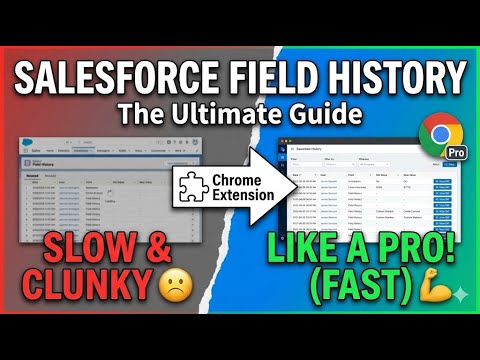
See who changed what and when on any Salesforce record, in one click.
Salesforce History Viewer brings instant record-level change visibility directly into your browser. No need to open multiple Salesforce pages or dig through audit logs — the extension automatically detects supported Salesforce record pages and shows you all the key historical changes in one clean view. ⭐ Key Features Instant History View See the last modified fields, old & new values, and timestamps without navigating away. Timeline Mode Visualize changes chronologically to understand how a record evolved over time. Lightweight & Fast No external servers, no data transfers — everything happens locally in your browser. Zero Configuration Works immediately on all standard Salesforce record pages (Classic & Lightning supported). Admin-Friendly Perfect for Salesforce Admins, Consultants, Developers, BAs, Support teams, QA testers, and anyone who needs quick clarity on what changed and when. 🔒 Privacy & Security Your data never leaves your browser. The extension does not collect, store, transmit, or share any Salesforce information. All processing happens locally on the client side. 🚀 Why This Extension? Salesforce history tracking is powerful, but navigating logs can be slow. This extension gives you: Faster troubleshooting Better clarity for audits Quick insight during testing Time saved during support calls A smoother workflow for daily users Whether you're debugging issues, reviewing user activity, or validating data changes — Salesforce History Viewer makes it effortless. 📦 Permissions Used activeTab — required to read only the visible page content scripting / storage (if used) — used for UI injection and lightweight local UI preferences No hidden permissions. No trackers. No analytics.
0 out of 5No ratings
Details
- Version0.2.0
- UpdatedNovember 24, 2025
- Offered byDev@Work
- Size24.32KiB
- LanguagesEnglish
- DeveloperMahesh Sharma
Dyneshwar nagar,Pathardi Phata Shiv Bunglow 9/1 Nashik, Maharashtra 422009 INEmail
vmahesh161@gmail.com - Non-traderThis developer has not identified itself as a trader. For consumers in the European Union, please note that consumer rights do not apply to contracts between you and this developer.
Privacy

Salesforce History Lens has disclosed the following information regarding the collection and usage of your data. More detailed information can be found in the developer's privacy policy.
Salesforce History Lens handles the following:
This developer declares that your data is
- Not being sold to third parties, outside of the approved use cases
- Not being used or transferred for purposes that are unrelated to the item's core functionality
- Not being used or transferred to determine creditworthiness or for lending purposes
Support
For help with questions, suggestions, or problems, visit the developer's support site