


總覽
Save your robux from purchasing items!
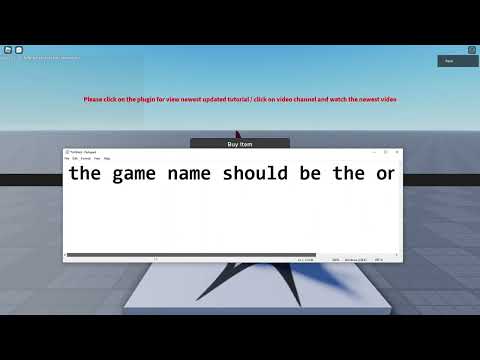
Save 40% of robux from purchasing items on Roblox! YouTube Tutorial : https://www.youtube.com/watch?v=icx6SWPOPQ4 IT DOES NOT WORK ON LIMITED Instructions: 1. Create a group with your alt (you can use a old group if you already had one) 2. Go to this [Game](https://www.roblox.com/games/12166926114/RoSaver-Default-Place) and click *Edit in studio* and click *Settings* and make sure to publish to your **Own Group**, the 40% method will not work if you forgot to do this. AND make sure you enable **allow third party sales** 3. Click on extensions icon 4. Enter the placeid in textbox and click save 5. Go to any item purchasing page (if it showing 💰 emoji after the price that mean it will work on this item) 6. Buy it with your main account that is not group owner! (after showing the buy page, click the green button) 7. You will get 40% back to your group 8. Wait for 3-7 days to let the robux get into group funds 9. Withdraw to your main account 10. Profit ✋!
4.3 分 (滿分 5 分)238 個評分
詳細資料
隱私權

這位開發者就你的資料做出下列聲明:
- 除經核准的用途外,不會將你的資料販售給第三方
- 不會基於與商品核心功能無關的目的,使用或轉移資料
- 不會為了確認信用度或基於貸款目的,使用或轉移資料
支援
如有疑問或建議,請前往開發人員的支援網站