

개요
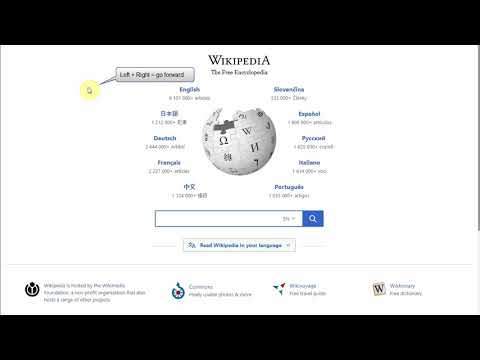
Allows you to navigate back and forward with your mouse button clicks (right + left = back).
No Back / Forward buttons on your mouse? No problem! Rocker Gestures allows you to: - go Back - by holding Right mouse button and pressing Left mouse button - go Forward - by holding Left mouse button and pressing Right mouse button This feature is known from Opera browser. Known issues: - does not work HERE on https://chrome.google.com/webstore/ (blocked by Chrome) - does not work on browser specific pages like "chrome://extensions" (blocked by Chrome) - does not work in "PDF view" (blocked by Chrome) - does not work on other extensions pages like options page of some addon (blocked by Chrome) - context menu may be shown when navigating forward and Right mouse button is released during the transition between pages (when old script is gone and new script didn't started yet) Contribution: - I'm full-time extension developer and your donations is my only income. There are no ads in my extensions! - Please support my work by: - Buy me a coffee - https://ko-fi.com/fastaddons - PayPal donation - https://paypal.me/fastaddons/ - Patreon - https://www.patreon.com/fastaddons Thank you! :) Your donation will help me keep this extension working in future versions of Chrome! Recently added features: https://addons.mozilla.org/addon/rocker_gestures/versions/
5점 만점에 4.6점평점 15개
세부정보
개인정보 보호

개발자가 사용자 데이터에 관해 다음과 같이 선언했습니다
- 승인된 사용 사례를 제외하고 서드 파티에 판매하지 않음
- 항목의 핵심 기능과 관련 없는 목적으로 사용하거나 전송하지 않음
- 신용도 판단 또는 대출 목적으로 사용하거나 전송하지 않음
지원
질문, 제안 또는 문제와 관련하여 도움이 필요하면 데스크톱 브라우저에서 이 페이지를 여세요.