

rmvbg — Remove Background & Full Page Screenshot

Overview
Remove image backgrounds free with a right-click, capture full-page or area screenshots, frame and mark them up, save PDF.
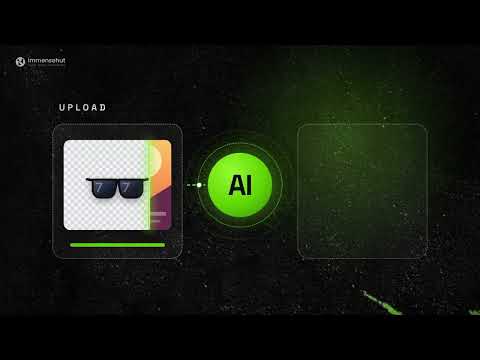
rmvbg — Remove Background & Full Page Screenshot rmvbg brings image editing and screenshot tools into your Chrome browser. Key features Background removal: Send images to rmvbg for background processing. Screenshot capture: Capture a selected area, visible page, or full webpage. Image annotation: Mark up screenshots and save visual references. Image tools: Open product, profile, and passport photo workflows. Video tools: Access supported video trimming and audio conversion tools. Quick access: Right-click supported images to open relevant rmvbg tools. How it works Install the extension, open its popup, or right-click a supported image to access available actions. Some tools continue on the rmvbg website and require an internet connection. Learn more: https://rmvbg.xyz
0 out of 5No ratings
Details
- Version1.3.3
- UpdatedOctober 29, 2026
- Offered byImmense Hut
- Size54.17KiB
- Languages2 languages
- DeveloperJahed Ahmed
Nurpur, Goalabazar, Osmaninagar, Sylhet-3124 Sylhet 3124 BDEmail
meetjahed@gmail.comPhone
+880 1969-057098 - TraderThis developer has identified itself as a trader per the definition from the European Union and committed to only offer products or services that comply with EU laws.
Privacy

rmvbg — Remove Background & Full Page Screenshot has disclosed the following information regarding the collection and usage of your data. More detailed information can be found in the developer's privacy policy.
rmvbg — Remove Background & Full Page Screenshot handles the following:
This developer declares that your data is
- Not being sold to third parties, outside of the approved use cases
- Not being used or transferred for purposes that are unrelated to the item's core functionality
- Not being used or transferred to determine creditworthiness or for lending purposes
Support
For help with questions, suggestions, or problems, please open this page on your desktop browser