

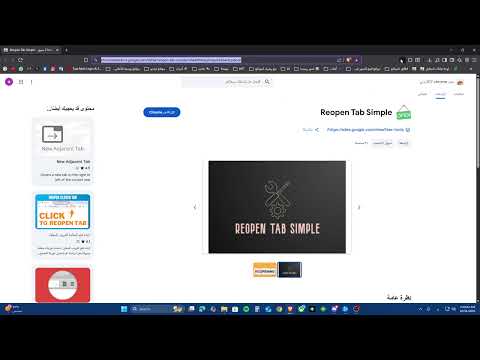
Reopen Tab Simple

Overview
Reopens the last closed tab or window with one click.
Accidentally Closed an Important Tab? We've All Been There! Don't panic! Reopen Tab Simple provides the easiest and fastest way to bring back the last tab or window you closed. Just one click on the toolbar icon, and your mistakenly closed session is instantly restored. It's the perfect, straightforward alternative to remembering keyboard shortcuts like Ctrl+Shift+T (or Cmd+Shift+T on Mac). Why Choose Reopen Tab Simple? Effortless Recovery: No menus, no settings, just a single click to undo close tab. Get your closed tabs back instantly. Convenient Shortcut Alternative: Ideal if you prefer clicking over keyboard commands. Access the powerful "reopen closed tab" feature directly from your toolbar. Works for Tabs AND Windows: Whether you closed a single tab or an entire browser window, this extension attempts to restore the most recently closed session. Lightweight & Fast: Designed to be minimal and efficient. It doesn't run constantly in the background or slow down your browser. It only activates when you click the icon. Clean & Simple: Does one job perfectly – reopening your last closed session. No unnecessary features or clutter. Privacy Focused: Operates entirely locally using Chrome's built-in sessions API. It does not track your browsing history or collect any personal data. How It Works: Install the extension – its icon (usually a refresh or undo arrow) will appear in your toolbar. Accidentally close a tab or window? Simply click the Reopen Tab Simple icon. Chrome will instantly restore the most recently closed tab or window session. The icon's tooltip will briefly confirm the action ("Tab/Window Restored!") or let you know if there was nothing recent to reopen. Get the simplest 'undo close tab' and session restore tool for Chrome. Stop losing important tabs and streamline your workflow! Install Reopen Tab Simple today!
4 out of 52 ratings
Details
- Version1.1
- UpdatedOctober 31, 2025
- Size52.04KiB
- LanguagesEnglish (United States)
- DeveloperWebsite
Email
azd7020@gmail.com - Non-traderThis developer has not identified itself as a trader. For consumers in the European Union, please note that consumer rights do not apply to contracts between you and this developer.
Privacy

This developer declares that your data is
- Not being sold to third parties, outside of the approved use cases
- Not being used or transferred for purposes that are unrelated to the item's core functionality
- Not being used or transferred to determine creditworthiness or for lending purposes
Support
For help with questions, suggestions, or problems, please open this page on your desktop browser