

reels-wiki Capture

Overview
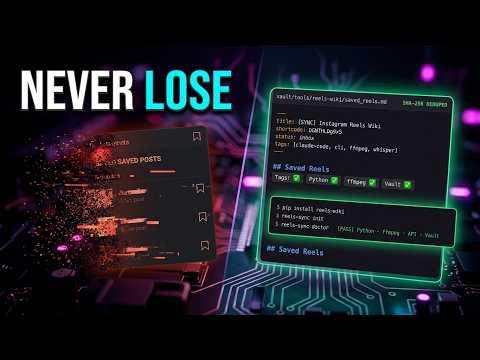
Save Instagram Reels or posts to your local reels-wiki queue via popup, context menu, or shortcut.
reels-wiki Capture connects your browser directly to your local reels-wiki pipeline (reels-sync serve) so you can queue saved Instagram Reels and posts for Obsidian without copying URLs manually. Features: - One-click popup capture with live local server status indicator (online / offline) - Right-click context menu ("Save to reels-wiki") on Instagram pages and links with badge confirmation (OK / DUP / SAVED / ERR) - Offline fallback queue: buffers URLs locally when the server is offline, with one-click Sync and Export JSON (compatible with reels-sync import-ig) - Keyboard shortcut (Alt+Shift+S) - Local-only and private: connects strictly to your own local endpoint (http://127.0.0.1:8765 by default) with optional Bearer token authentication; zero telemetry or third-party servers Prerequisites: Install reels-wiki from https://github.com/AtaCanYmc/reels-wiki and run `reels-sync serve` (or use Export JSON offline with `reels-sync import-ig`).
0 out of 5No ratings
Details
- Version0.2.0
- UpdatedNovember 27, 2026
- Offered byatacanymc@gmail.com
- Size24.28KiB
- LanguagesEnglish
- Developer
Email
atacanymc@gmail.com - Non-traderThis developer has not identified itself as a trader. For consumers in the European Union, please note that consumer rights do not apply to contracts between you and this developer.
Privacy

This developer declares that your data is
- Not being sold to third parties, outside of the approved use cases
- Not being used or transferred for purposes that are unrelated to the item's core functionality
- Not being used or transferred to determine creditworthiness or for lending purposes
Support
For help with questions, suggestions, or problems, visit the developer's support site