


概述
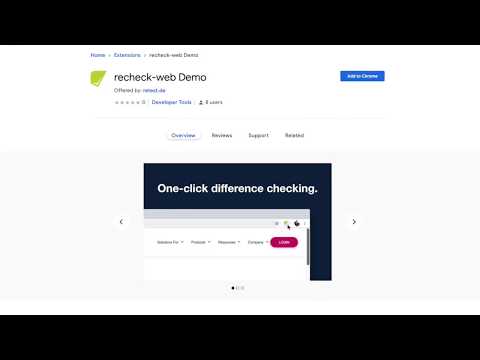
One-click change detection of websites.
Save time and effort when testing your web pages: this Chrome extension will show you all website differences. Whether you have to play "spot the difference" or are overwhelmed by changes: Our powerful filter mechanism allows you to quickly find the website changes that are relevant for you. To get a quick tutorial, go to https://retest.de/recheck-web-chrome-extension/ When clicking the button, this extension will send all of the website data to retest (https://retest.de/), where it will be either stored as Golden Master (=snapshot/base-line) for later comparison or compared to an existing Golden Master and the differences be highlighted. You can use either the review GUI or the open source recheck.cli to open the differences report. You can also filter out the differences you don't care about and quickly find relevant changes. This gives you unprecedented power: ignore font changes but not the text. Or ignore content but not CSS. Define your own filters with a simple git-like syntax. While being a very helpful tool on it's own, this is also a convenient demo to show the power of the test automation tool recheck-web. recheck-web is an open source product at https://github.com/retest/recheck-web. You'll need to create a free retest account to use this extension. It needs permission to "Read and change your data on all retest.org sites" to send login data to retest.
4.4 星(5 星制)10 个评分
详情
隐私权
支持
若有任何疑问、建议或问题,请在桌面浏览器中打开此页面