


Overview
Turn any video, podcast or meeting playing in your browser into a word-for-word transcript, checked twice, in your Rec.
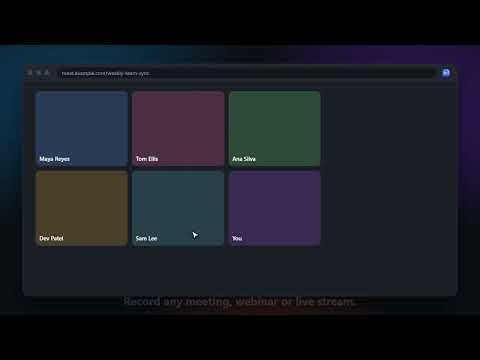
Rec for Chrome sends whatever you're watching or listening to in your browser to Rec, which types every word, works out who said it, and checks it twice with two different AI engines. • One click: send the YouTube video, podcast episode, SoundCloud or Spreaker page, RSS feed or media file you're on to Rec. • Record any tab: meetings, webinars, live streams, anything playing. You keep hearing it while Rec records, and it's sent to Rec when you stop. • Right-click any link, video or audio and choose "Transcribe with Rec". • See your recent transcripts and open them in Rec. In Rec, every transcript is typed by NVIDIA Parakeet and checked by OpenAI Whisper. Wherever the two hear something differently, Rec shows you that exact moment to listen to and confirm, so your transcript can say Verified. Rec also names the speakers and can write an article and a recap for the episode. Your recordings go to your Rec account only. They are never sent to an outside AI and never used to train any AI. You need a Rec account (free while Rec is in beta): https://rec.skdcorp.com. Link the extension by typing the six numbers it shows into Rec, under "Link a watch or browser".
0 out of 5No ratings
Details
- Version1.0.0
- UpdatedOctober 5, 2026
- Size22.45KiB
- LanguagesEnglish (United States)
- DeveloperWebsite
Email
mavingakingwarner@gmail.com - Non-traderThis developer has not identified itself as a trader. For consumers in the European Union, please note that consumer rights do not apply to contracts between you and this developer.
Privacy

Rec: transcribe anything has disclosed the following information regarding the collection and usage of your data. More detailed information can be found in the developer's privacy policy.
Rec: transcribe anything handles the following:
This developer declares that your data is
- Not being sold to third parties, outside of the approved use cases
- Not being used or transferred for purposes that are unrelated to the item's core functionality
- Not being used or transferred to determine creditworthiness or for lending purposes
Support
For help with questions, suggestions, or problems, visit the developer's support site