

ReadMode

Overview
Transform any article, blog post, or thread into a beautiful, distraction-free reading experience with customizable themes.
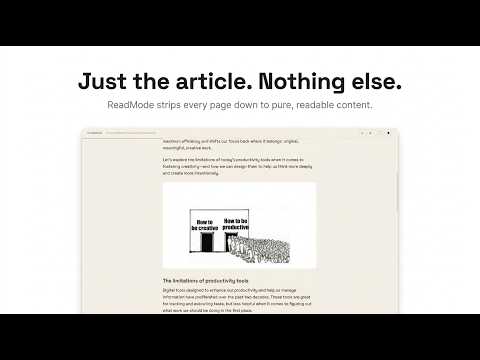
ReadMode gives you a clean, focused reading experience on any webpage, no ads, no popups, no clutter. Just the content. The way you want it. Works on: • Any article or blog post • X / Twitter threads • Medium & Substack • Reddit posts How it works: Click the ReadMode icon (or press Alt+R) on any page. Your article instantly opens in a clean reader tab, stripped of all distractions. Customise Everything • 6 themes: Default, Dark, Sepia, Paper, Midnight, Forest • Font picker — Space Grotesk, Inter, Georgia, Merriweather, Lora, Playfair Display • Font size, line height, column width sliders • Custom background color, text color, muted color • All preferences auto-saved across sessions KEYBOARD SHORTCUT Press Alt+R on any page to activate instantly — no clicks needed. NO BLOAT No account required. No data collected. No tracking. Works offline once loaded. WHO IS IT FOR? ReadMode is built for readers, researchers, students, and anyone tired of fighting the modern web. If you read articles, newsletters, threads, or long-form content daily, this extension is for you.
0 out of 5No ratings
Details
- Version0.0.1
- UpdatedMay 21, 2026
- Offered byjeetkaria06
- Size37.99KiB
- LanguagesEnglish
- Developer
Email
jeetkaria06@gmail.com - Non-traderThis developer has not identified itself as a trader. For consumers in the European Union, please note that consumer rights do not apply to contracts between you and this developer.
Privacy

This developer declares that your data is
- Not being sold to third parties, outside of the approved use cases
- Not being used or transferred for purposes that are unrelated to the item's core functionality
- Not being used or transferred to determine creditworthiness or for lending purposes
Support
For help with questions, suggestions, or problems, visit the developer's support site