

Readify

Overview
Read the current article with Readify without leaving the page.
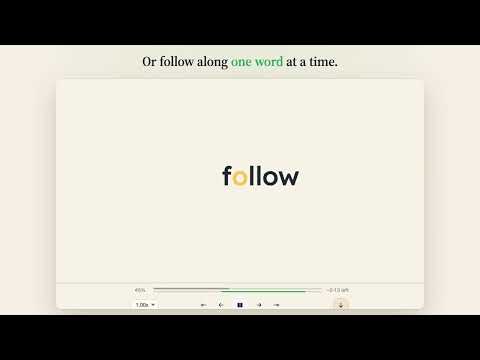
Turn the article you’re reading into audio with Readify. Click Readify in your browser toolbar to listen to the current article, or select a passage, right-click, and choose “Read selection with Readify”. The reader opens over the original page, so you can listen without switching tabs. Minimize it to keep browsing while playback continues. Playback, voice selection, and speed controls remain available in the compact player. • Listen to articles and selected text • Choose your preferred voice and playback speed • Keep listening with the reader minimized • Expand the reader whenever you need it Readify captures page content only when you explicitly ask it to. It does not bypass paywalls or access hidden content. Some restricted browser pages and websites may not support the reader. Readify is free to install. Sign in to your Readify account to use your available listening credits.
0 out of 5No ratings
Details
- Version0.2.3
- UpdatedOctober 14, 2026
- FeaturesOffers in-app purchases
- Offered byReadify
- Size77.25KiB
- LanguagesEnglish
- Developer
Email
support@readify.to - Non-traderThis developer has not identified itself as a trader. For consumers in the European Union, please note that consumer rights do not apply to contracts between you and this developer.
Privacy

Readify has disclosed the following information regarding the collection and usage of your data. More detailed information can be found in the developer's privacy policy.
Readify handles the following:
This developer declares that your data is
- Not being sold to third parties, outside of the approved use cases
- Not being used or transferred for purposes that are unrelated to the item's core functionality
- Not being used or transferred to determine creditworthiness or for lending purposes