

Quick Sender Search for Gmail

Overview
Quickly find all emails from a sender by clicking their email address in Gmail.
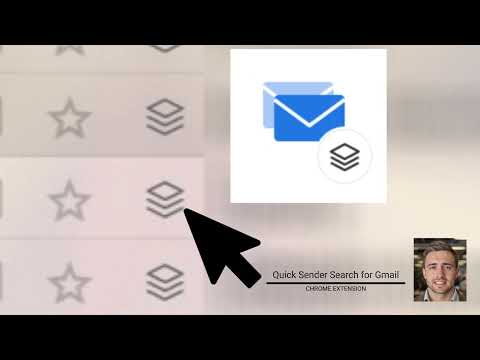
One click on any sender to instantly see every email they've ever sent you. No copying, no pasting, no typing in the search bar. Ever wanted to find every email from a specific sender without fumbling with Gmail's search bar? Quick Sender Search adds a small icon next to every sender in your inbox. Click it, and you instantly see every email that person has ever sent you. No copying addresses, no pasting, no typing search queries. Just one click. It also turns the email address shown in message headers into a clickable search link — so whether you're scanning your inbox or reading an email, the fastest path to "show me everything from this sender" is always one click away. Perfect for: - Cleaning out promotional emails from a specific sender - Finding that one email from months ago - Reviewing your full history with a contact - Bulk selecting and deleting/archiving by sender How it works: 1. Open Gmail like you normally do 2. See the small icon next to each sender's name in your inbox 3. Click it — done. Every email from that sender, instantly. No sign-up. No configuration. No data ever leaves your browser. Install it and it just works.
0 out of 5No ratings
Details
- Version1.0.0
- UpdatedMay 8, 2026
- Offered bytechsin
- Size313KiB
- LanguagesEnglish
- Developer
Email
expdevmgr@gmail.com - Non-traderThis developer has not identified itself as a trader. For consumers in the European Union, please note that consumer rights do not apply to contracts between you and this developer.
Privacy

This developer declares that your data is
- Not being sold to third parties, outside of the approved use cases
- Not being used or transferred for purposes that are unrelated to the item's core functionality
- Not being used or transferred to determine creditworthiness or for lending purposes
Support
For help with questions, suggestions, or problems, please open this page on your desktop browser