


Overview
Generate QR Codes for any URL
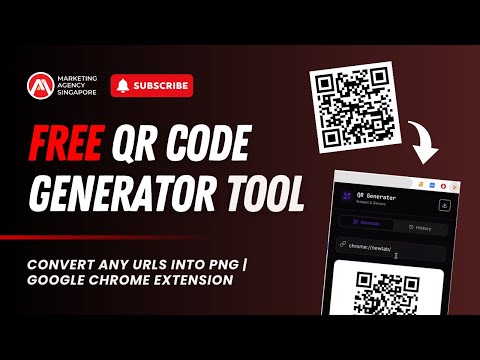
QR Code Generator is a lightweight Chrome extension that lets you instantly generate QR codes for any URL you’re viewing or paste in. With a single click, convert websites, links, or custom URLs into scannable QR codes - perfect for sharing pages across devices, presentations, print materials, or mobile access. Key features: Generate QR codes for the current tab or any custom URL One-click access from the Chrome toolbar Download QRs into PNG formats Clean, fast, and easy-to-use interface No account required No tracking or data collection This extension runs locally in your browser and does not transmit or store your browsing data. It’s designed for speed, simplicity, and everyday productivity. Ideal for marketers, developers, educators, and anyone who needs a quick way to turn links into QR codes.
5 out of 51 rating
Details
- Version1.0
- UpdatedJanuary 13, 2026
- Size181KiB
- LanguagesEnglish
- Developer
- TraderThis developer has identified itself as a trader per the definition from the European Union and committed to only offer products or services that comply with EU laws.
Privacy

This developer declares that your data is
- Not being sold to third parties, outside of the approved use cases
- Not being used or transferred for purposes that are unrelated to the item's core functionality
- Not being used or transferred to determine creditworthiness or for lending purposes
Support
For help with questions, suggestions, or problems, please open this page on your desktop browser