

ProWritingAid: Grammar Checker & Paraphrasing Tool

개요
Gain confidence in your writing with the best grammar checker and paraphrasing tool that works wherever you do.
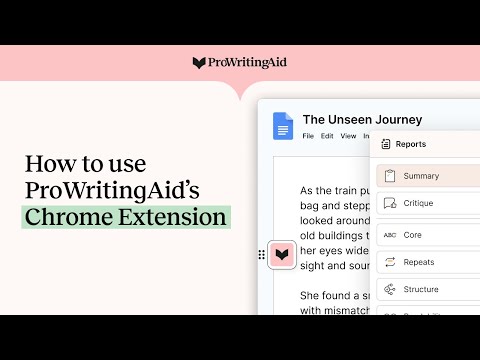
ProWritingAid is a self-editing tool that helps you feel confident in your writing, by providing instant analysis and improvements. Alongside a grammar checker and paraphrasing tool, you get 25+ writing reports to ensure error-free, engaging, and memorable writing. 📝How It Works ProWritingAid provides grammar corrections and style improvements you can either accept, deny, or click to learn more about. You can customize your dictionary and style guide and personalize your settings to receive relevant suggestions that are tailored to your writing style and goals. To get started: • Install the extension, then open Google Docs or any writing website. • Look for the ProWritingAid icon. The icon turns pink when ProWritingAid finds potential improvements in your writing. It turns green when you've accepted all suggestions. • Click to move the ProWritingAid icon so it doesn’t get in the way of what you’re writing. Activate “focus mode” by clicking on the “eye” icon in the menu, to avoid distractions while drafting. 💻Where It Works ProWritingAid works in all major writing apps, including Google Docs, Notion, Atticus, Campfire, and more. 📚Key Features • Grammar checker • Spelling checker • Punctuation checker • Paraphrasing tool • Proofreading tool • Line editor • Story editor • 25+ writing reports to analyze all aspects of your writing, including: - Readability grade - Complex and sticky sentences - Overused and repeated words - Pacing - Dialogue tags and tense inconsistencies • Author comparisons • Built-in learning resources 🔐As a company run by writers, we know how important your writing is. We only use your text to help you improve your writing, never to train our AI, so your data is safe with us. 👩🏻🤝👩🏻Trusted by over 3 million writers to edit their work, from NY bestselling authors to those just getting started.
5점 만점에 4.8점평점 7천개
세부정보
개인정보 보호

개발자가 사용자 데이터에 관해 다음과 같이 선언했습니다
- 승인된 사용 사례를 제외하고 서드 파티에 판매하지 않음
- 항목의 핵심 기능과 관련 없는 목적으로 사용하거나 전송하지 않음
- 신용도 판단 또는 대출 목적으로 사용하거나 전송하지 않음
지원
질문, 제안 또는 문제와 관련하여 도움이 필요하면 데스크톱 브라우저에서 이 페이지를 여세요.