


總覽
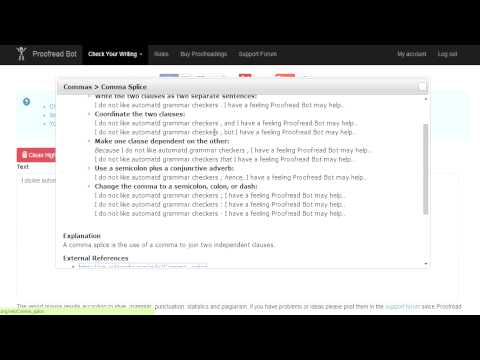
Check text for grammar, style and plagiarism issues.
How to use it: 1. Select any text on webpage (Press left mouse button at start of text, drag until the end of text, release the left button, alternatively you can also press Ctrl + A inside a text box when you are typing.) 2. Right mouse button click on highlighted text 3. In the menu click on "Start.", or if you selected a sentence with an error click on "Teach" 4. A new tab will open that goes to proofreadbot.com and your selected text will be entered for a check. Proofread Bot checks text for grammar, style, statistic and plagiarism issues and gives recommendations in order to improve your writing. The checks it performs constantly increase and if you have one in mind please suggest it in the support forums.
2.1 分 (滿分 5 分)27 個評分
詳細資料
隱私權

這位開發者就你的資料做出下列聲明:
- 除經核准的用途外,不會將你的資料販售給第三方
- 不會基於與商品核心功能無關的目的,使用或轉移資料
- 不會為了確認信用度或基於貸款目的,使用或轉移資料
支援
如有疑問或建議,請使用電腦版瀏覽器開啟這個頁面