

Prompt Navigator
1 rating
)
Overview
Navigate your AI chat prompts efficiently. Supported models: https://github.com/shaheerl/prompt-navigator
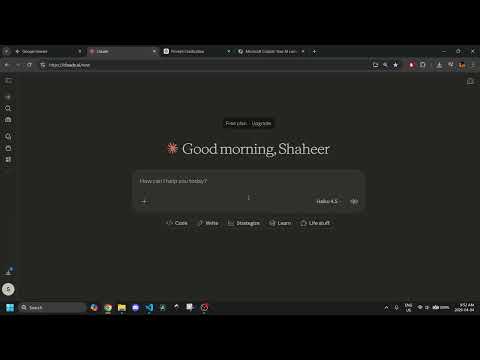
Never lose your place in a long AI conversation again! Prompt Navigator adds a clean, floating navigation UI to your AI chats, such as Gemini or GPT, letting you jump instantly between your messages without scrolling endlessly. How it works: Click the floating arrow buttons to move to your previous or next prompt. Open the panel with the ☰ button to see every loaded prompt listed at a glance, and click any one to jump directly to it. Your current prompt is highlighted so you know where you are. Prompt Navigator fills the gap by providing a useful tool that isn't available on most platforms. Features: ⇧ ⇩ arrows to navigate prompts forward and backward ☰ panel listing all prompts, each clickable for direct navigation 📸 image detection — image-only messages are clearly labeled Brand-matched colors and highlight styles per platform Automatic dark mode support on all platforms Lightweight — no background scripts, no data collection, nothing leaves your browser Who it's for: Anyone who uses AI tools for research, coding, writing, or long multi-turn conversations where jumping back to earlier context matters.
5 out of 51 rating
Details
- Version1.0.0
- UpdatedApril 9, 2026
- Size16.18KiB
- LanguagesEnglish
- Developer
Email
shaheerlone@gmail.com - Non-traderThis developer has not identified itself as a trader. For consumers in the European Union, please note that consumer rights do not apply to contracts between you and this developer.
Privacy

This developer declares that your data is
- Not being sold to third parties, outside of the approved use cases
- Not being used or transferred for purposes that are unrelated to the item's core functionality
- Not being used or transferred to determine creditworthiness or for lending purposes
Support
For help with questions, suggestions, or problems, visit the developer's support site