

Privea

Overview
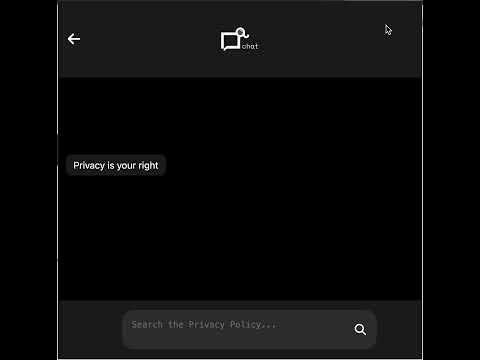
Summarizes privacy policies and lets users ask privacy-related questions.
How Privea Works Privea helps you understand website privacy policies without reading them in full. When you visit a website, Privea identifies its privacy policy and summarizes it into five categories: What data is collected How your data is used Whether your data is shared Your rights Special conditions or exceptions You can also ask questions about the policy, such as “Do they sell my data?” or “Can I delete my data?” Plans PriveaBasic: Free limited access. PriveaSummaries: Privacy policy summaries. PriveaChat: Questions and answers about privacy policies. PriveaPremium: Includes both Summaries and Chat. Getting Started 1. Install Privea. 2. Visit a supported website. 3. Open the Privea extension. 4. Review the available summary or ask questions about the privacy policy. Privea is an informational tool. It does not provide legal advice, and its output should not replace review of the original privacy policy or advice from a qualified professional.
0 out of 5No ratings
Details
- Version1.1.22
- UpdatedOctober 9, 2026
- FeaturesOffers in-app purchases
- Offered byprivea.aii
- Size246KiB
- LanguagesEnglish
- DeveloperPrivea Inc
78 Newlin Cres North York, ON M3L 1X6 CAEmail
privea.aii@gmail.comPhone
+1 647-885-2043 - TraderThis developer has identified itself as a trader per the definition from the European Union and committed to only offer products or services that comply with EU laws.
- D-U-N-S243344336
Privacy

Privea has disclosed the following information regarding the collection and usage of your data. More detailed information can be found in the developer's privacy policy.
Privea handles the following:
This developer declares that your data is
- Not being sold to third parties, outside of the approved use cases
- Not being used or transferred for purposes that are unrelated to the item's core functionality
- Not being used or transferred to determine creditworthiness or for lending purposes
Support
For help with questions, suggestions, or problems, please open this page on your desktop browser