

Printer for Google Chrome 2.0
평점 20개
)
개요
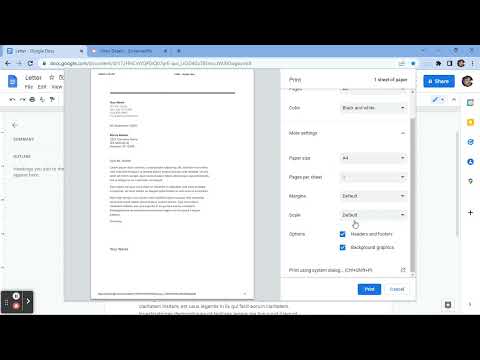
Prints the current page opened in Chrome with a single click.
⬇️Easy to set up ⬇️: 1. 🆓 and very easy to operate. 2. Place a print 🖨 button inside your web browser. So you can easily print a page with one click. 3. Choose the style and the Print button design. 🖨(color, black and white) 4. Double-click on the print icon 🖨 to save the file in HTML or PDF, or to open the Options page. ✨Features ✨: 1. Choose between the regular Print button or the Material Design Print button. 2. Or customize your own design Print button. 3. Supports both the TOUCH screen 🖥and DESKTOP screens with the mouse.🖱 4. Print button works for Windows, Mac, Linux, and Google Chromebooks. Our extension lets you print faster the opened tab on your current browser with one single click.
5점 만점에 4.2점평점 20개
세부정보
- 버전1.0.1
- 업데이트됨2022년 10월 9일
- 제공A & C
- 크기15.38KiB
- 언어English
- 개발자
이메일
bonbatheco@gmail.com - 비판매자판매자로 식별되지 않은 개발자입니다. 유럽 연합에 거주하는 소비자의 경우, 이 개발자와 체결한 계약에 대해서는 소비자 권리가 적용되지 않을 수 있음을 유의해야 합니다.
개인정보 보호

개발자가 사용자 데이터에 관해 다음과 같이 선언했습니다
- 승인된 사용 사례를 제외하고 서드 파티에 판매하지 않음
- 항목의 핵심 기능과 관련 없는 목적으로 사용하거나 전송하지 않음
- 신용도 판단 또는 대출 목적으로 사용하거나 전송하지 않음
지원
질문, 제안 또는 문제와 관련하여 도움이 필요하면 데스크톱 브라우저에서 이 페이지를 여세요.