

Printer for Google Chrome 2.0
20 calificaciones
)
Descripción general
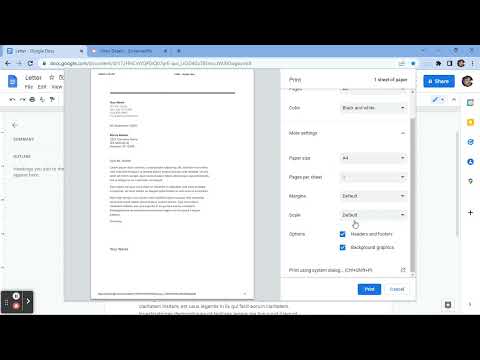
Prints the current page opened in Chrome with a single click.
⬇️Easy to set up ⬇️: 1. 🆓 and very easy to operate. 2. Place a print 🖨 button inside your web browser. So you can easily print a page with one click. 3. Choose the style and the Print button design. 🖨(color, black and white) 4. Double-click on the print icon 🖨 to save the file in HTML or PDF, or to open the Options page. ✨Features ✨: 1. Choose between the regular Print button or the Material Design Print button. 2. Or customize your own design Print button. 3. Supports both the TOUCH screen 🖥and DESKTOP screens with the mouse.🖱 4. Print button works for Windows, Mac, Linux, and Google Chromebooks. Our extension lets you print faster the opened tab on your current browser with one single click.
4.2 de 520 calificaciones
Detalles
- Versión1.0.1
- Fecha de actualización9 de octubre de 2022
- Ofrecido porA & C
- Tamaño15.38KiB
- IdiomasEnglish
- Desarrollador
Correo electrónico
bonbatheco@gmail.com - No comercianteEl desarrollador no se identificó como comerciante. Si eres un consumidor de la Unión Europea, ten en cuenta que los derechos de los consumidores no aplican a los contratos entre el desarrollador y tú.
Privacidad

Este desarrollador declara el siguiente tratamiento de tus datos:
- No se venden a terceros, excepto en los casos de uso aprobados
- No se utilizan ni transfieren para fines no relacionados con la funcionalidad principal del elemento
- No se utilizan ni transfieren para determinar tu solvencia ni ofrecer préstamos
Asistencia
Si tienes preguntas, sugerencias o problemas, abre esta página en tu navegador para computadoras