

Planner Default View
18 件の評価
)
概要
Help you save your default "Group By" view selection in Microsoft Planner web application
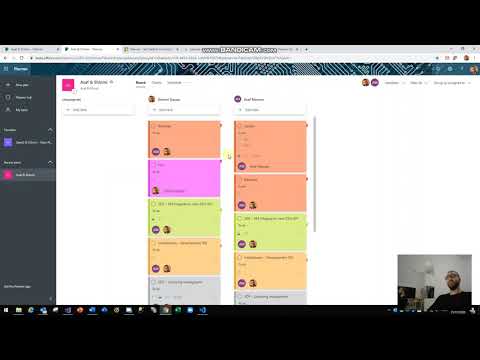
Planner Default View extension sets Default Group By option for MS Planner plans and allows you to select your default group by from the extension icon popup. after selecting your default "Group By" and reload MS Planner web app, Planner Default View will remember your previous selection and organize your tasks accordingly Whats new in 1.0.0.9? - Support coloring planner cards after Microsoft changed the app structure in latest update Whats new in 1.0.0.8? - Bug fixes - UI Changes - Coloring your tasks according to labels color - very useful Credits to Marty Harris for sharing the code to color the Planner cards which I have implemented in Planner Default View There is a separate extension published by Marty Harris called "Colourful Planner" you can find it in chrome web store
5 点満点で 4.118 件の評価
詳細
- バージョン1.0.0.9
- 更新:2020年3月12日
- 提供元Shlomi Dayan
- サイズ109KiB
- 言語English
- デベロッパー
メール
dshlomy@gmail.com - 非取引業者このデベロッパーは取引業者として申告していません。EU 加盟国の消費者とこのデベロッパーとの間に締結された契約には、消費者の権利が適用されません。
プライバシー

サポート
質問や提案、問題がある場合は、パソコンのブラウザでこのページを開いてください