

Pix: The easy, quiet, quick, simple color picker / grabber.

Overview
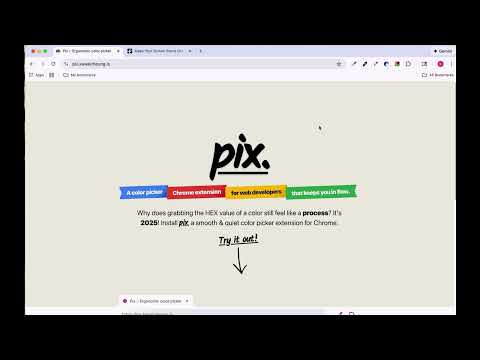
A color picker for web developers that keeps you in flow.
Does grabbing the HEX value of a color feel way too hard with inspector or any other color picker extension? Pix is the quickest way to get a color on your screen to a color in your code. Pix fits your hands like a glove. Keep your left hand on your home row keys (A S D F), your right hand on your mouse. * Open Pix. Hit SPACEBAR. Click your color. Copied! * Hit "A" to switch color formats (HEX, RGB, HSL, HWB, LCH, or OKLCH). * Hit "S"/"D" to cycle back and forth through your color picks. * Hit "F" (or ";") to add/remove a semicolon (;) at the end for easy pasting into your CSS. * Store colors as a palette for later? One click. * Copy your palette of colors? One click. * Copy a gradient of colors? One click. You can open Pix by pinning it to Chrome and clicking the purple eye dropper, or hitting CMD+SHIFT+P on Mac / CTRL+SHIFT+P on Windows.
5 out of 51 rating
Details
- Version1.03
- UpdatedFebruary 23, 2026
- Size219KiB
- LanguagesEnglish
- DeveloperWebsite
Email
kiwigod17@gmail.com - Non-traderThis developer has not identified itself as a trader. For consumers in the European Union, please note that consumer rights do not apply to contracts between you and this developer.
Privacy

This developer declares that your data is
- Not being sold to third parties, outside of the approved use cases
- Not being used or transferred for purposes that are unrelated to the item's core functionality
- Not being used or transferred to determine creditworthiness or for lending purposes
Support
For help with questions, suggestions, or problems, visit the developer's support site