

개요
send to PicMonkey screenshots and auto-save to WordPress
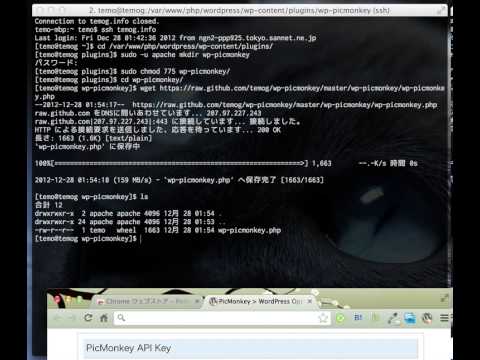
Submit screenshots to PicMonkey. Auto-save the edited image to WordPress. PicMonkey http://www.picmonkey.com/ ----------------------------- how to install ----------------------------- [1] install WordPress plugin 1. download plugin file https://raw.github.com/temog/wp-picmonkey/master/wp-picmonkey/wp-picmonkey.php 2. create plugin directory mkdir wordpress directory/wp-content/plugins/wp-picmonkey 3. upload plugin file wordpress directory/wp-content/plugins/wp-picmonkey/wp-picmonkey.php 4. enable plugin in management page(http://your domain/wp-admin/plugins.php [2] install this chrome extension Save the settings page api key(Picnik api key). Please contact the api@picmonkey.com If you do not have a Picnik API key.