


Overview
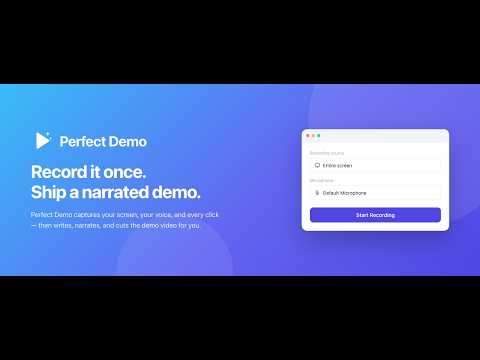
Record your screen, microphone/system audio, and on-page interactions to create narrated Perfect Demo product demos.
Record a product walkthrough once. Perfect Demo turns it into a narrated demo video. Most screen recorders capture pixels. Perfect Demo also captures what you actually did — every click, every field you typed into, every page you moved through. That's what lets it do more than trim your video: it knows which button you pressed, so it can zoom to it, write narration that lands on the moment you press it, and cut the dead air in between. How it works 1. Click Record and walk through your product the way you'd demo it to a customer. Talk while you do it. 2. Stop. The recording uploads to your Perfect Demo library automatically. 3. Perfect Demo writes the story, narrates it, frames the zooms, adds subtitles, and renders the finished video. What you get 1. A story, not a screen capture — the flow is structured into beats, not left as one long take. Narration in a clear voice, timed to the actions on screen. 2. Zooms framed on the element you actually clicked, not a guess at the middle of the screen. 3. Dead time compressed; the moments that matter given room to breathe. 4. Subtitles, generated from the final script. Privacy, plainly 1. Nothing is captured unless you explicitly start a recording. There is no background monitoring. 2. Passwords, credentials, one-time codes, and payment fields are redacted on your device, before anything leaves the page. 3. URLs are stripped of query strings, which is where tokens and search terms tend to hide. 4. Your data goes only to Perfect Demo — never to a third party, and never sold. 5. Every recording is also saved to your Downloads folder, so a failed upload never costs you the take . What you need A free Perfect Demo account (sign in at app.perfectdemo.ai — the extension picks up your session automatically). How long a single recording can run depends on your plan. Questions or problems: prerakbhandari@gmail.com
0 out of 5No ratings
Details
- Version1.7.0
- UpdatedAugust 10, 2026
- Size204KiB
- LanguagesEnglish
- DeveloperWebsite
Email
prerakbhandari@gmail.com - Non-traderThis developer has not identified itself as a trader. For consumers in the European Union, please note that consumer rights do not apply to contracts between you and this developer.
Privacy

Perfect Demo Screen Recorder has disclosed the following information regarding the collection and usage of your data. More detailed information can be found in the developer's privacy policy.
Perfect Demo Screen Recorder handles the following:
This developer declares that your data is
- Not being sold to third parties, outside of the approved use cases
- Not being used or transferred for purposes that are unrelated to the item's core functionality
- Not being used or transferred to determine creditworthiness or for lending purposes
Support
For help with questions, suggestions, or problems, please open this page on your desktop browser