

PrettifyMyWebApi for Microsoft Dataverse

Overview
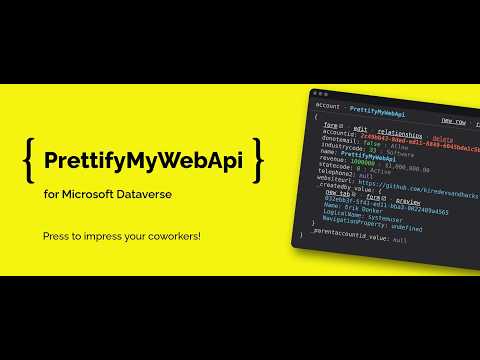
Open any row in the Dataverse/Dynamics 365 Web Api with pretty output. Edit and create rows. Quickly edit Power Automate Flows.
- Click the extension button when viewing a form to open the current row in the Dataverse Web Api and prettify the output - Update all columns of a row by using the 'edit' button - Create new rows by using the 'new row' button - Impersonate users - Bypass custom plugins - Bypass Power Automate Flows - When viewing a 'solution-aware' flow in make.powerautomate.com, use the extension to open it in the Dataverse Web Api. Click the Edit Flow button in the top right to export and then edit your flow definition! This is very convenient for renaming actions/variables or as a last measure for working around bugs, when the default flow UI just doesn't want to cooperate (Power Automate developers will relate to this) - Browse related rows by using the 'relationships' button - Use the 'disassociate' button to disassociate the row from the parent/related row - View values and labels for your Option Sets (Choices) - Peek related rows with the 'preview' button - Quickly copy values and logicalnames to the clipboard by clicking
5 out of 57 ratings
Details
- Version1.2.0.1
- UpdatedNovember 23, 2026
- Offered bykiredevsandhacks
- Size1.57MiB
- LanguagesEnglish
- Developer
Email
erik1donker@gmail.com - Non-traderThis developer has not identified itself as a trader. For consumers in the European Union, please note that consumer rights do not apply to contracts between you and this developer.
Privacy

This developer declares that your data is
- Not being sold to third parties, outside of the approved use cases
- Not being used or transferred for purposes that are unrelated to the item's core functionality
- Not being used or transferred to determine creditworthiness or for lending purposes
Support
For help with questions, suggestions, or problems, please open this page on your desktop browser