

Planfluence for Google Meet

Overview
Record Google Meet calls to Planfluence. Paid plans turn them into transcripts with speaker names, notes, decisions, and Jira tasks.
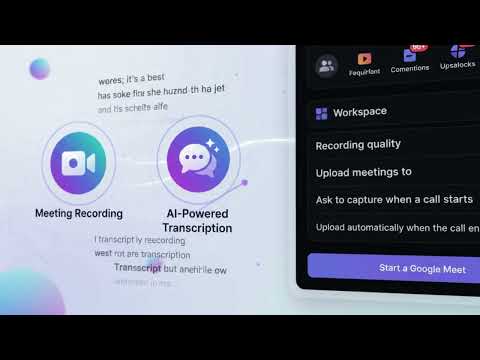
Planfluence helps you turn Google Meet meetings into actionable work. Record your meetings, generate AI-powered transcripts and notes, capture important decisions, and convert action items into Jira tickets with your approval. Spend less time writing meeting summaries and manually tracking tasks, and more time getting work done. Key Features - Record Google Meet meetings directly from your browser. - Generate AI-powered meeting transcripts and summaries. - Capture key decisions, action items, and follow-ups. - Turn meeting action items into Jira tickets with human approval. - Keep your team aligned with organized meeting records. Planfluence makes every meeting more productive by connecting conversations to the work that follows. Get started with Planfluence and make your meetings count.
0 out of 5No ratings
Details
- Version1.5.0
- UpdatedOctober 27, 2026
- Offered byahmed
- Size87.47KiB
- LanguagesEnglish
- DeveloperMuhammad Ahmed
امكان نمير P-6433، كل نمير 2، محلّه خان نا ون، فيصل آباد، تحصيل فيصل آباد كى، ضلع فيصل آباد Faisalabad 38000 PKEmail
ahmed@thegenisolutions.comPhone
+92 304 7666382 - TraderThis developer has identified itself as a trader per the definition from the European Union and committed to only offer products or services that comply with EU laws.
Privacy

Planfluence for Google Meet has disclosed the following information regarding the collection and usage of your data. More detailed information can be found in the developer's privacy policy.
Planfluence for Google Meet handles the following:
This developer declares that your data is
- Not being sold to third parties, outside of the approved use cases
- Not being used or transferred for purposes that are unrelated to the item's core functionality
- Not being used or transferred to determine creditworthiness or for lending purposes
Support
For help with questions, suggestions, or problems, visit the developer's support site