

Paths - YouTube Playlist Note Taker & Timer
2 ratings
)
Overview
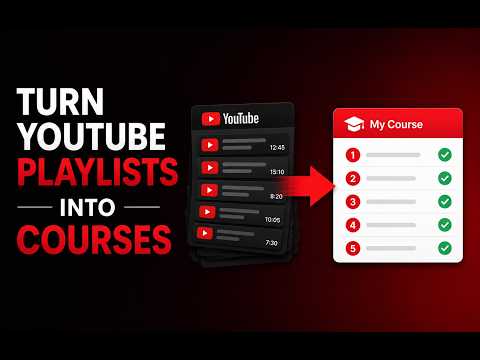
Convert YouTube playlists into courses. Take notes, seek timestamps, use a Pomodoro study timer, and track your learning progress.
Key Features: - Convert standard playlists into lessons - Seamless Progress Tracker - Study Note-Taking System - Study Stats & Streaks - Dark & Light Mode How to use: 1. Open any YouTube playlist page or start watching a video with a playlist list parameter. 2. Click the "Convert to Learning Path" button in the sidebar panel. 3. The right-hand column will automatically replace with your interactive learning dashboard. 4. Mark lessons completed, type notes, save timestamps, and check your study streak. 5. Click the extension icon in the toolbar at any time to open your central dashboard and resume active paths. Transform YouTube playlists into structured learning courses. "Paths" turns any standard YouTube playlist or watch-page list into an interactive learning environment, combining features from Coursera and Notion directly inside YouTube. If you use YouTube for studying, tutorials, coding bootcamps, or academic lectures, Paths is your ultimate study companion. Privacy/permissions note: All your learning data, notes, progress, and study streak stats are saved locally on your browser. Your data stays yours.
5 out of 52 ratings
Details
- Version0.0.4
- UpdatedJune 24, 2026
- Offered byShrid Mishra
- Size556KiB
- LanguagesEnglish
- Developer
Email
shridmishra00@gmail.com - Non-traderThis developer has not identified itself as a trader. For consumers in the European Union, please note that consumer rights do not apply to contracts between you and this developer.
Privacy

Paths - YouTube Playlist Note Taker & Timer has disclosed the following information regarding the collection and usage of your data. More detailed information can be found in the developer's privacy policy.
Paths - YouTube Playlist Note Taker & Timer handles the following:
This developer declares that your data is
- Not being sold to third parties, outside of the approved use cases
- Not being used or transferred for purposes that are unrelated to the item's core functionality
- Not being used or transferred to determine creditworthiness or for lending purposes
Support
For help with questions, suggestions, or problems, please open this page on your desktop browser