

Overview
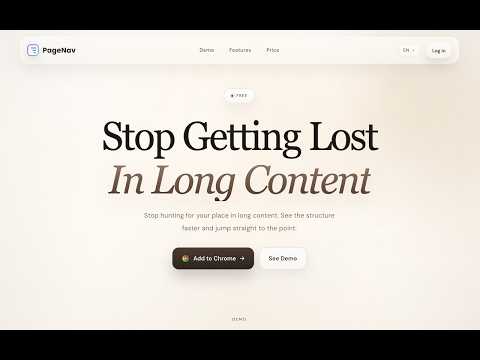
Make long pages easier to read, navigate, export, and send to AI tools.
PageNav turns long web content into clear, usable structure for reading, navigation, export, and sending to AI tools. On articles, tutorials, documentation, help centers, and other content-heavy pages, PageNav detects structure and builds a clean floating outline so users can move through long pages faster. On supported YouTube pages, it turns transcripts into clickable navigation. It can also export readable page content and send page content directly to supported AI tools, including NotebookLM, ChatGPT, Claude, Gemini, and Grok. Useful for: - Reading long pages without a built-in table of contents - Browsing documentation, tutorials, and knowledge base content - Navigating supported YouTube transcripts more efficiently - Exporting readable page content for reuse - Sending page content into AI tools with one click Key features: - Builds a floating outline from page structure - Supports navigation from supported YouTube transcripts - Jumps to sections or transcript items with one click - Highlights the current section while you scroll - Exports readable page content - Sends page content directly to supported AI tools - Supports theme switching - Supports site-level enable and disable controls Notes: - PageNav is designed for content-heavy pages and supported YouTube transcript views - Outline and transcript quality may vary depending on page structure and subtitle availability - Page analysis runs locally in the browser by default - When you choose to send content to an AI tool, the selected page content is sent to your selected destination
5 out of 51 rating
Details
- Version1.6.4
- UpdatedSeptember 28, 2026
- Size8.44MiB
- Languages10 languages
- DeveloperWebsite
Email
jinhang.yang11@gmail.com - Non-traderThis developer has not identified itself as a trader. For consumers in the European Union, please note that consumer rights do not apply to contracts between you and this developer.
Privacy

This developer declares that your data is
- Not being sold to third parties, outside of the approved use cases
- Not being used or transferred for purposes that are unrelated to the item's core functionality
- Not being used or transferred to determine creditworthiness or for lending purposes