


Overview
Turn any webpage into a clean, usable document. Export to PDF, Word, Excel, CSV, or JSON in one click.
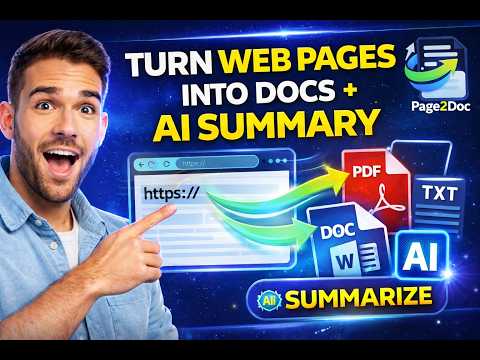
Convert Web Pages to PDF, Word and Excel Page2Doc makes it easy to convert webpages into useful documents directly from Chrome. Save online articles, research, tables, product pages and documentation in the format you need. Export Formats PDF: save webpages as clean, shareable PDF documents. Word (DOCX): turn webpage content into editable Word documents. Excel (XLSX): export tables and structured information from webpages into spreadsheets. CSV and JSON: Export results generated by Page2Doc's AI features in structured formats. A Simple Workflow - Open the webpage you want to convert. - Launch Page2Doc from Chrome. - Choose your preferred export format. - Download your converted document. Page2Doc helps you save, organize and reuse useful information from the web. No manual copy and paste. Less formatting work. More productive workflows. Install Page2Doc and turn webpages into documents you can actually use.
4.9 out of 59 ratings
Details
- Version1.7.5
- UpdatedNovember 5, 2026
- FeaturesOffers in-app purchases
- Size157KiB
- Languages4 languages
- DeveloperWebsite
Email
solutioninternationalhightech@gmail.com - Non-traderThis developer has not identified itself as a trader. For consumers in the European Union, please note that consumer rights do not apply to contracts between you and this developer.
Privacy

Page2Doc – Web to PDF, Word & Excel has disclosed the following information regarding the collection and usage of your data. More detailed information can be found in the developer's privacy policy.
Page2Doc – Web to PDF, Word & Excel handles the following:
This developer declares that your data is
- Not being sold to third parties, outside of the approved use cases
- Not being used or transferred for purposes that are unrelated to the item's core functionality
- Not being used or transferred to determine creditworthiness or for lending purposes
Support
For help with questions, suggestions, or problems, please open this page on your desktop browser