


總覽
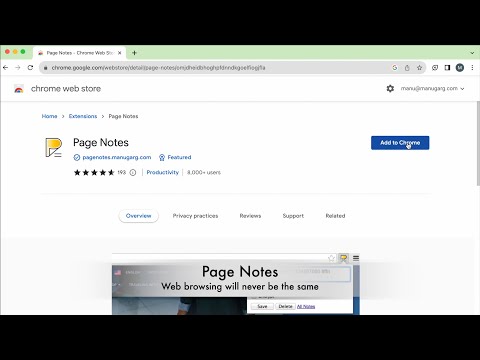
Attach notes to any webpage — they're right there when you come back. Syncs via your own Google Drive. No third-party servers.
Page Notes — notes that live where you need them Attach a note to any web page. When you come back, it's right there — no searching, no switching tabs. Perfect for login hints, tracking IDs, project context, or anything you'd otherwise forget. SMART & LIGHTWEIGHT Create notes scoped to a specific URL (one article, one order page) or an entire domain (everything on amazon.com). Use #tags to organize notes across sites, and spot pages with notes instantly — the icon changes color when there's a note waiting. YOUR DATA, YOUR RULES, NO LOCK-IN Page Notes never sends your data to third-party servers. Notes live in your browser by default, or sync to your own Google Drive for cross-browser access. For sensitive notes, enable client-side encryption with a passphrase that's never stored anywhere. WORKS EVERYWHERE Syncs across Chrome, Edge, Brave, and all Chromium browsers — plus Firefox. View and edit notes on mobile via the web app at pagenotes.app. LINKS & SUPPORT • FAQ: pagenotes.manugarg.com/faq • Bugs & feature requests: GitHub Issue Tracker (Store review replies don't work!) • Firefox Add-on: addons.mozilla.org/firefox/addon/mg-page-notes • Privacy Policy: pagenotes.manugarg.com/privacy.html LEARN MORE • Blog: https://medium.com/@manugarg/10-000-users-for-page-notes-1f75786c2a41 • Website: https://pagenotes.manugarg.com
4.6 分 (滿分 5 分)240 個評分
詳細資料
隱私權

這位開發者就你的資料做出下列聲明:
- 除經核准的用途外,不會將你的資料販售給第三方
- 不會基於與商品核心功能無關的目的,使用或轉移資料
- 不會為了確認信用度或基於貸款目的,使用或轉移資料
支援
如有疑問或建議,請前往開發人員的支援網站